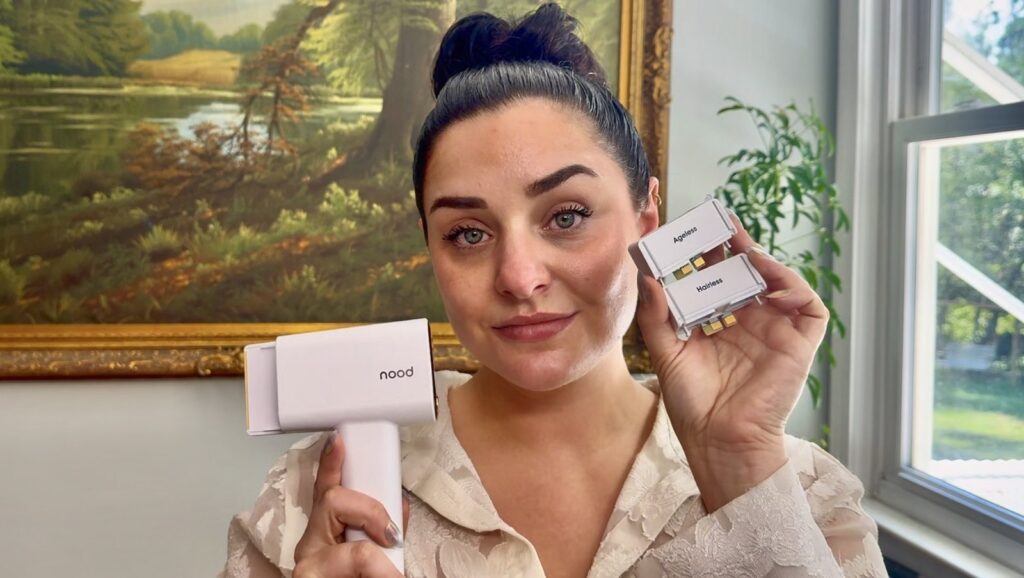
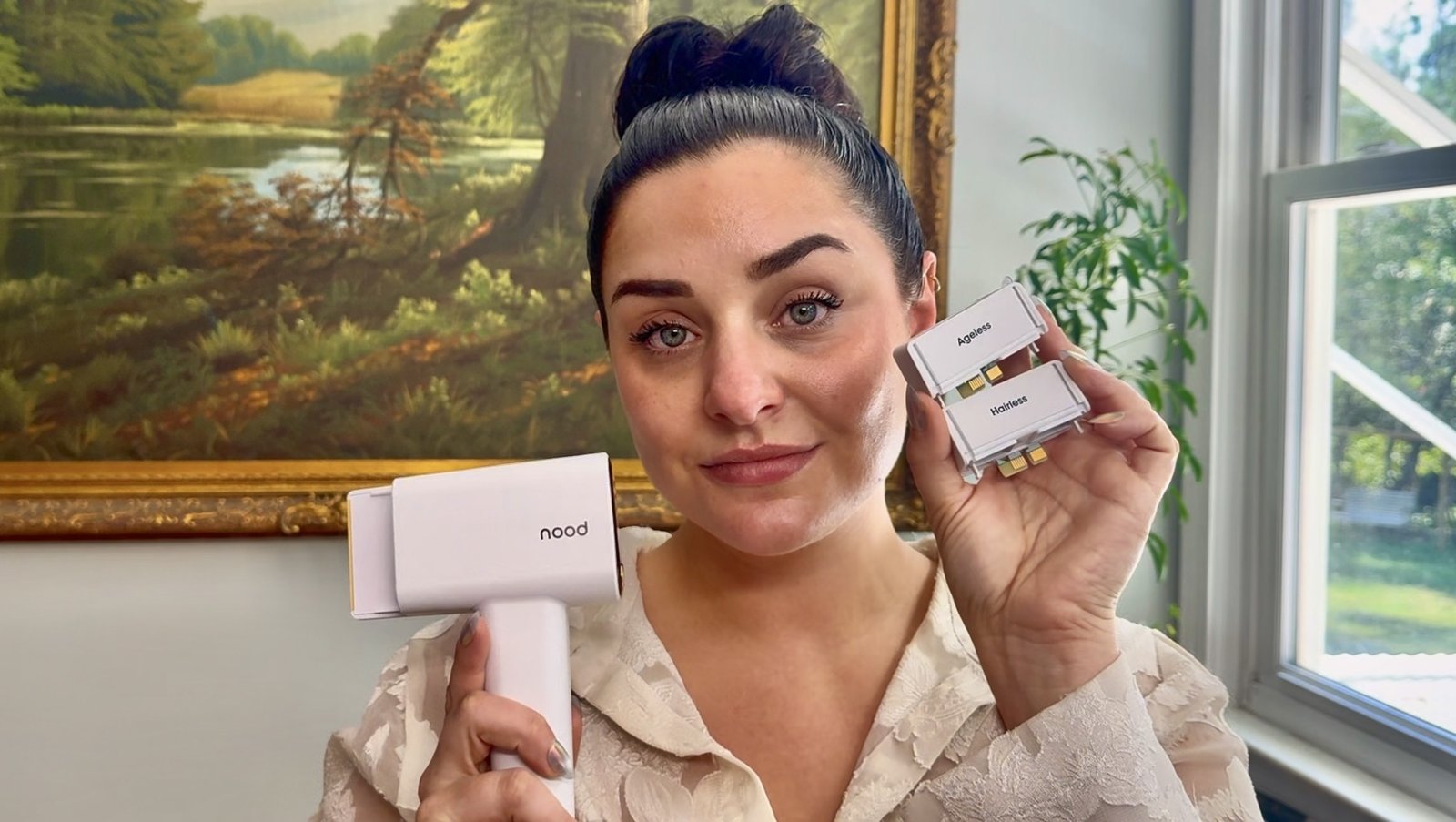
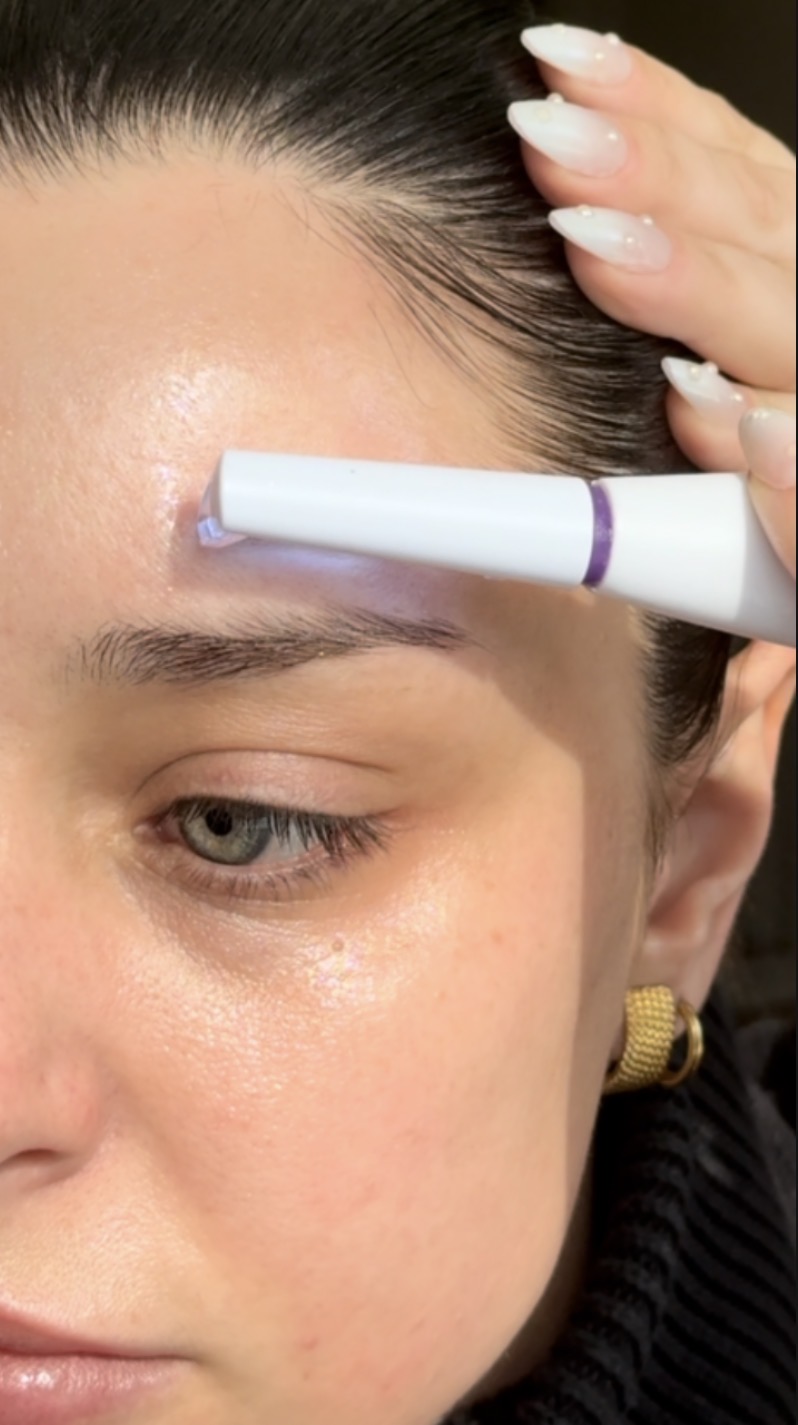
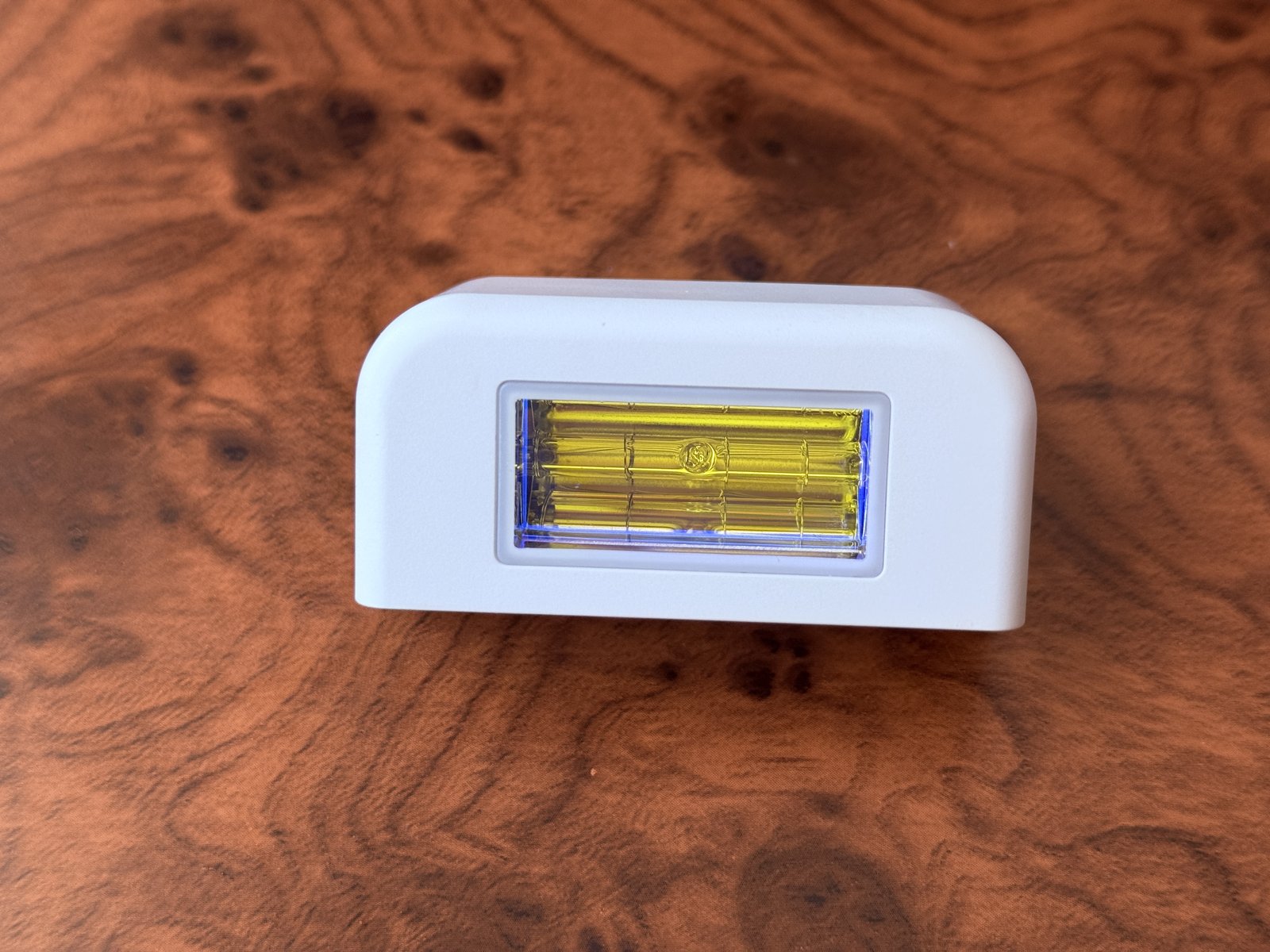
Nood vs Michael Todd Lumos IPL: for most shoppers, the Nood Flasher Pro is the pick. It is the only one of the two that publishes its energy output on the product page, and it ships with a second lens for skin in the same box. The Michael Todd Lumos IPL is the pick if you only want hair removal and care most about a built-in skin sensor, nine power levels, protective glasses in the box, and the 3-year limited warranty on its Amazon listing. Here’s what to look for before you choose.
Pick the Nood Flasher Pro if you want a published energy figure, a hair lens and a skin lens in one kit, and a session every few days instead of several a week.
Pick the Michael Todd Lumos IPL if you want hair removal only, more power steps to fine tune, a skin sensor the brand lists by name, and a longer warranty on paper.
Skip both if your skin is deep brown to black or your hair is very light blonde, red, white, or gray. Both brands say IPL needs contrast between dark hair and lighter skin.
Same on both: a glide mode for large areas, built-in cooling, a skin safety test before the first session, and maintenance sessions after the first round.
Nood vs Michael Todd Lumos, side by side
This table compares the Nood Flasher Pro with the Michael Todd Lumos IPL, using what each brand’s own pages and Amazon listings say. Prices move with sales, so check today’s price on the listing.
Nood Flasher Pro
Michael Todd Lumos IPL
Energy figure on the product page
7 J/cm²
None listed
Treatment window
3 cm²
None listed
Power levels
5
9
Modes
Continuous Glide Mode and a Large Treatment Mode
Quick Glide Mode (a flash every 0.7 seconds) and Precision Mode
Cooling
CryoSoothe cooling
CoolMax, described as a 50°F contact temperature
Skin sensor
Not listed on the Flasher Pro page
Built-in skin sensor
Flash count
Lifetime flash guarantee, no count on the page
999,999 flashes
Second lens for skin
Yes, the Ageless lens is included
None listed
Glasses in the box
Not listed
Protective glasses included
Brand schedule
Every 3 days for up to 12 weeks, then monthly
Two versions: 3 times a week for the first month on the product page, once a week for 12 weeks in the brand’s FAQ
Face
Yes, except the eyebrows and the area around the eyes
The lower face, per the brand’s FAQ. Never the eyes
Skin tones ruled out
Brown to dark brown or black (Fitzpatrick V to VI)
Very deep skin tones
Money-back window
90 days on purchases from Nood’s own sites, minus a restocking fee
30 days on the brand’s site
Warranty
Nood’s warranty page covers one year and is written for the Flasher 2.0
3-year limited warranty, per the Amazon listing
FDA wording on the page
No FDA claim on the product page
Says FDA-cleared Class II medical device, no clearance number given
Michael Todd Beauty is the same brand behind the Sonicsmooth dermaplaning tool covered in the Michael Todd Sonicsmooth Pro+ Review and Buyer Guide. The Lumos is its IPL hair removal device, sold on Amazon by the Michael Todd Official Store.
The biggest difference: what each brand publishes
At-home IPL handsets look alike in photos. The published numbers are what let you compare them, and this is where the two brands split.
Nood’s product page lists 7 J/cm² of energy, a 3 cm² treatment window, a 510 to 1200 nm range for the Hairless lens, and a 560 to 1100 nm range for the Ageless lens. The Lumos page lists nine power levels, 999,999 flashes, and a 50°F cooling claim, with no energy figure and no window size.
A published number is not proof of results. It does give you something to hold the brand to, and something to line up against other devices. How Nood’s figures compare with the rest of the category is in Nood Flasher Pro vs Other IPL Devices, and another matchup with an unlisted energy figure is in Nood Flasher Pro vs Ulike Air 10.
Where the Lumos wins
More power steps. Nine levels against Nood’s five. The brand pitches the range as a way to go gentle on delicate facial hair and stronger on coarse body hair.
A named skin sensor. The Lumos page and listing both call out a built-in skin sensor. The Flasher Pro page does not mention one.
Glasses in the box. Protective glasses ship with the Lumos, along with a razor and a storage pouch. Nood’s box list is the handset, two lenses, a power adapter, and a manual.
A longer warranty on paper. The Amazon listing says the Lumos carries a 3-year limited warranty. Keep the order confirmation in case you need it.
A printed flash count. 999,999 flashes. Nood promises a lifetime flash guarantee and gives no count on the product page.
The energy figure is public. Energy, wavelength, and window size are all on the product page. The Lumos page gives none of the three.
Two lenses in one kit. The Flasher Pro ships with the Hairless lens for hair and the Ageless lens for skin. The Lumos is a hair removal device only. The difference between Nood’s two lenses is in Nood Hairless vs Ageless Lens, and the skin lens has its own review with a video walkthrough.
A clear schedule. Nood’s page gives one plan: a session every 3 days for up to 12 weeks, then monthly. Michael Todd’s product page and FAQ give two different starting schedules, so you have to pick one.
A longer money-back window. Nood’s 90-day guarantee beats the 30 days on the Lumos page. The catch: Nood’s applies only to purchases on its own sites and takes off a restocking fee. Amazon buyers should check the return window on the listing.
The Flasher Pro handset with both lens cartridges. The Lumos is sold as a hair removal device only.
The Lumos listing leads with “permanent hair removal in 4 weeks”, and the product page says up to a 90% reduction in hair count by week 4, with results that vary. Nood’s page claims up to a 95% reduction in regrowth.
Both brands also call for maintenance sessions once the first round is done: monthly for Nood, every few weeks to every couple of months for the Lumos. That tells you regrowth is expected. The move is to plan on a device you will keep using, not a one-time fix. How at-home IPL stacks up against a clinic course is in Nood vs Laser Hair Removal.
Hair and skin fit
IPL works by targeting pigment in the hair, so both devices need dark hair on lighter skin.
Nood: a fit for black, brown, and dark blonde hair on very fair to olive or light brown skin. Not recommended for light blonde, red, or gray hair, or for brown to dark brown or black skin.
Lumos: Michael Todd’s FAQ says it works best on fair to medium skin with dark hair, and may not suit very deep skin tones or very light hair, including blonde, white, and gray.
Both: run the skin safety test each brand describes before the first full session.
Nood Flasher Pro: the pick for anyone who wants published specs before buying, anyone who wants the skin lens in the same kit, and anyone who prefers one simple schedule.
Michael Todd Lumos IPL: the pick for anyone who wants hair removal only, likes having nine levels to work with, and values the skin sensor, the glasses in the box, and the 3-year limited warranty.
Neither: deep brown to black skin, or very light blonde, red, white, or gray hair. A clinic consult is the better first step.
For most shoppers the Nood Flasher Pro is the stronger buy, because it publishes its energy figure and ships with a second lens for skin. The Michael Todd Lumos IPL makes sense for hair removal only, with nine power levels, a built-in skin sensor, and a 3-year limited warranty on its Amazon listing.
Is the Michael Todd Lumos IPL permanent?
The brand calls it permanent hair removal and claims up to a 90% reduction in hair count by week 4, with results that vary. Its own schedule still calls for maintenance sessions every few weeks to every couple of months, so plan on ongoing use.
Can you use Nood or Lumos on your face?
Both brands list the face. Nood says the Flasher Pro is not suitable for the eyebrows or the area right around the eyes. Michael Todd’s FAQ lists the lower face and says the Lumos should never be used on the eyes, tattoos, or dark spots and moles.
How often do you use the Lumos IPL?
Michael Todd gives two schedules. The product page says three times a week for the first month, then every two weeks or monthly. The brand’s FAQ says once a week for the first 12 weeks, then every one to two months as needed.
Is the Michael Todd Lumos FDA cleared?
The Lumos product page describes it as an FDA-cleared Class II medical device. The page does not give a clearance number, so ask the brand for it if that matters to you. Nood’s Flasher Pro product page makes no FDA claim.
Do Nood and Lumos work on dark skin or light hair?
No. Both brands say IPL depends on contrast between dark hair and lighter skin. Nood rules out brown to black skin and light blonde, red, or gray hair. Michael Todd says the Lumos may not suit very deep skin tones or blonde, white, or gray hair. If your hair or skin falls outside those ranges, neither device is a good fit, and a dermatologist can advise on other hair removal options.
Sources
Sources checked on November 6, 2026. Figures from brands are reported as the brand’s own claims.
The short answer: Dermaflash vs dermaplaning is not an either/or. Dermaplaning is the technique: a blade skims dead surface skin and peach fuzz off the face. Dermaflash is a brand, and its Luxe+ is a sonic device for doing that technique at home. So the real choice is between three ways to dermaplane: a guarded sonic device like the Dermaflash Luxe+, a manual blade or razor, or a professional appointment. For a weekly at-home routine with the smallest learning curve, the sonic device is the pick. A manual tool is the pick for a tight budget or a steady hand. A professional is the pick when skin is reactive or you would rather not hold the blade yourself.
Pick the Dermaflash Luxe+ if you want the most guided way to dermaplane at home: a caged single-use edge, two speeds, and a prep cleanser in the box.
Pick the Michael Todd Sonicsmooth Pro+ if you want a sonic device that ships with more supplies: 16 single-use blades, three speeds, and two exfoliation tips.
Pick a manual tool if you want the lowest-commitment way to try dermaplaning, or you prefer direct control of the blade.
Book a professional if you have a skin condition, want trained hands on the blade, or only want it done now and then.
Wait on all of them if you have an active breakout or an eczema flare. Dermatologists say to let skin calm down first.
Dermaflash vs dermaplaning at a glance
This table uses what each brand’s own pages say, plus Cleveland Clinic and Healthline for the professional column. Prices move with sales, so check today’s price at the retailer.
Dermaflash Luxe+
Manual tool or razor
Professional dermaplaning
What it is
A rechargeable sonic dermaplaning device
A hand-held blade: a refillable tool or a disposable face razor
An in-office treatment
The blade
A single-use MicroFine Edge inside a patented Safety Cage
A replaceable precision blade, or a disposable razor with micro-guards
A scalpel or a tool called a dermatome, per Cleveland Clinic
Who holds it
You
You
A plastic surgeon, dermatologist, or cosmetologist, per Cleveland Clinic
Power
14,000 sonic vibrations per minute and two speeds, per the brand
None
An electronic or manual tool, per Healthline
How often
Once a week, per Dermaflash
One to four times a month for most people, per StackedSkincare
Results fade in about three weeks to a month, per Healthline
What you rebuy
A fresh Edge for every session
A new blade about once a month, or new disposables
Each appointment
Best for
A weekly routine with built-in guard rails
Budget, travel, or direct blade control
Reactive skin, special occasions, hands-off care
What Dermaflash is, and what it adds to dermaplaning
The Luxe+ is the dermaplaning device on Dermaflash’s site today. The brand describes it as a sonic dermaplaning device that removes peach fuzz and exfoliates dead skin cells. The set includes the device, four single-use MicroFine Edges, a PREFLASH cleanser, and a USB charging cable and base.
What it adds over a bare blade comes down to three things, all from the brand’s own pages. First, a patented Safety Cage around the edge, which Dermaflash says protects skin from nicks and cuts. Second, sonic vibration, listed at 14,000 vibrations per minute, which the brand says gives a closer result and an easier glide. Third, two speeds: a gentle one the brand calls ideal for beginners and sensitive skin, and an invigorating one for deeper exfoliation.
The upkeep is part of the decision. Dermaflash says to use the Luxe+ once a week and never to reuse an Edge, because used Edges can harbor bacteria. That makes refills a standing purchase, and the brand sells them as a four-week replenishment kit.
One note on the numbers on the box. The clinical results Dermaflash quotes come from consumer panel surveys and one four-week instrument study, all reported by the brand. Read them as brand claims until you can see the full studies. Shop the Dermaflash Luxe+.
Dermaflash vs a manual dermaplaning tool or razor
The manual lane has two tiers. The first is a refillable tool. The StackedSkincare Dermaplaning Tool has a reusable aluminum handle and a replaceable stainless steel blade, and the brand says it was developed by aesthetician Kerry Benjamin. StackedSkincare says to replace the blade about once a month and that most people dermaplane one to four times a month. The second tier is a disposable face razor. The Schick Hydro Silk Touch-Up comes as a pack of three, with fine micro-guards that Schick says help protect delicate skin from nicks and irritation.
The two camps argue opposite sides. Dermaflash says its safety features protect skin in a way disposable razors do not. StackedSkincare says a sonic device is not needed, that professional dermaplaning is performed manually, and that results come from precision, control, and technique, not vibration. Both are selling something, so here’s what to look for instead.
If nicks are the worry, look at the guard before the motor. The Dermaflash cage and the Schick micro-guards both put something between the blade and your skin. The StackedSkincare blade makes direct contact, which the brand pitches as more precise and which leaves the angle and pressure to you.
The dermatologist rules are the same for every tool. In Cleveland Clinic’s guide to dermaplaning at home, dermatologist Melissa Piliang, MD, says not to do it more than once a week. The same guide says to work slowly to avoid nicks and to clean the razor before and after each use.
Check the metal. StackedSkincare notes that its blade contains 5% nickel, which matters for anyone with a nickel allergy.
In an office or med spa, the blade is in trained hands. Cleveland Clinic says a plastic surgeon, dermatologist, or cosmetologist might perform dermaplaning, using a scalpel or a tool called a dermatome. Healthline’s medically reviewed guide puts a typical session at 20 to 30 minutes with no downtime, notes that redness can linger for two or three days, and says results fade in about three weeks to a month.
One caution about the word itself. Cleveland Clinic and the American Society of Plastic Surgeons also describe a deeper, surgical form of dermaplaning used on acne scars, with a recovery measured in weeks. That is a different procedure from a light pass over the surface, and from anything an at-home device does. If acne scars are the goal, that is a conversation for a dermatologist or plastic surgeon, not a device purchase.
Where the device wins is convenience: a weekly session at home with no appointment. Where the professional wins is judgment. Cleveland Clinic’s at-home guide says to skip DIY dermaplaning during an eczema flare or with any other active skin issue, and to ask a dermatologist about options. Healthline adds that at-home results may not match a professional treatment.
Looking for a Dermaflash alternative? The Michael Todd Sonicsmooth Pro+
The Sonicsmooth Pro+ is the other sonic device to look at. Its Amazon listing shows three speeds, a 16-week supply of single-use blades, two Microsmooth exfoliation tips, an LED light, and a 3-year warranty. Dermaflash’s set lists four Edges and a prep cleanser, so the two kits start from different places. See the Michael Todd Sonicsmooth Pro+ at Michael Todd Beauty.
First time and nervous about nicks: a guarded sonic device. The Dermaflash Luxe+ has the gentle speed the brand recommends for beginners.
A weekly routine: a sonic device with refills you can keep stocked. Compare what comes in each box before you choose.
Trying dermaplaning once before committing: a guarded disposable razor.
Blade control like a treatment room: a refillable manual tool.
Eczema or any active skin condition: a dermatologist first.
Acne scars: an office visit, not a device.
An event this weekend: any at-home option, done a day or two ahead. Cleveland Clinic notes skin can feel irritated for about a day afterward.
Before any kind of dermaplaning
Skip active breakouts. Dermaflash says not to use the Luxe+ over active breakouts, inflamed pimples, or blemishes that are healing, and Dr. Piliang says dermaplaning can agitate existing acne.
Use a fresh or clean blade every time. Single-use edges are single-use for a reason.
Go easy afterward. Dermaflash says to avoid strong exfoliating ingredients and direct sun for 48 to 72 hours after a session. Cleveland Clinic says to moisturize well and keep wearing sunscreen. The routine is in what to use after dermaplaning.
Do not worry about regrowth. Dr. Piliang says hair does not grow back thicker or darker. A blunt cut tip can feel coarse at first, then it softens.
Want longer between sessions? Where at-home IPL fits
Every form of dermaplaning is temporary, because hair is cut at the surface. For dark hair on the chin or neck that keeps coming back, at-home IPL is the next step up, and the one to look at is the Nood Flasher Pro. Nood lists black, brown, and dark blonde hair as a good fit and says its hair lens may not be suitable for very light blonde, red, or gray hair, so pale peach fuzz stays in dermaplaning territory. Nood also says IPL is not safe or suitable for brown or dark brown to black skin tones. Check the Nood Flasher Pro on Amazon, or read how the Nood Flasher Pro compares with other IPL devices first.
The verdict
Dermaflash is one way to dermaplane, not a rival to it. Pick the sonic device if you want a weekly routine with a guard doing some of the work. Pick a manual tool if you want to spend less or control the blade yourself. Book a professional if your skin needs a trained eye.
Dermaflash is a brand, not a different treatment. Its Luxe+ is a sonic device for dermaplaning at home, so using one is dermaplaning. The same technique can also be done with a manual blade, such as a refillable tool or a single-use razor, or by a trained professional in an office or med spa. The Dermaflash vs dermaplaning choice is really about which tool you use.
Is Dermaflash as good as professional dermaplaning?
They are different levels of the same idea. A professional works with a scalpel or dermatome and trained technique, and Healthline says at-home results may not match. Dermaflash is built for weekly upkeep at home, with a caged edge to limit nicks.
Is Dermaflash better than a dermaplaning razor?
It adds a safety cage, sonic vibration, and two speeds, and it is a bigger purchase with refills to rebuy. A guarded disposable razor covers the basics. The dermatologist rules are the same for both: a clean blade, a light touch, and no more than once a week.
Does sonic dermaplaning work?
In any kind of dermaplaning, the blade removes the peach fuzz and dead surface skin. Dermaflash says sonic vibration gives a closer result and an easier glide. StackedSkincare, which sells a manual tool, says vibration is not needed. Both are brand claims, so choose on guard design, comfort, and upkeep.
Is there a Dermaflash dupe?
The closest alternative is the Michael Todd Sonicsmooth Pro+, a sonic dermaplaning device that lists three speeds and 16 single-use blades in the box. It does the same job as the Dermaflash Luxe+, guiding a blade with sonic vibration. The two devices are compared side by side, including upkeep, in Dermaflash Luxe+ vs Michael Todd Sonicsmooth.
Which Dermaflash is best for beginners with sensitive skin?
The Luxe+ is the dermaplaning device Dermaflash sells today. The brand says it is safe for sensitive skin types and calls its gentle speed ideal for beginners and sensitive skin. Do not use it over active breakouts, and check with a dermatologist first if your skin is reactive.
How often should you use Dermaflash?
Dermaflash says to use it once a week, with a fresh Edge each time. Cleveland Clinic dermatologist Melissa Piliang, MD, sets the same ceiling for at-home dermaplaning in general: no more than once a week. That limit applies whether you use a sonic device like the Dermaflash Luxe+, a manual dermaplaning tool or a single-use razor.
Sources
Sources checked on November 6, 2026. Figures from brands are reported as the brand’s own claims.
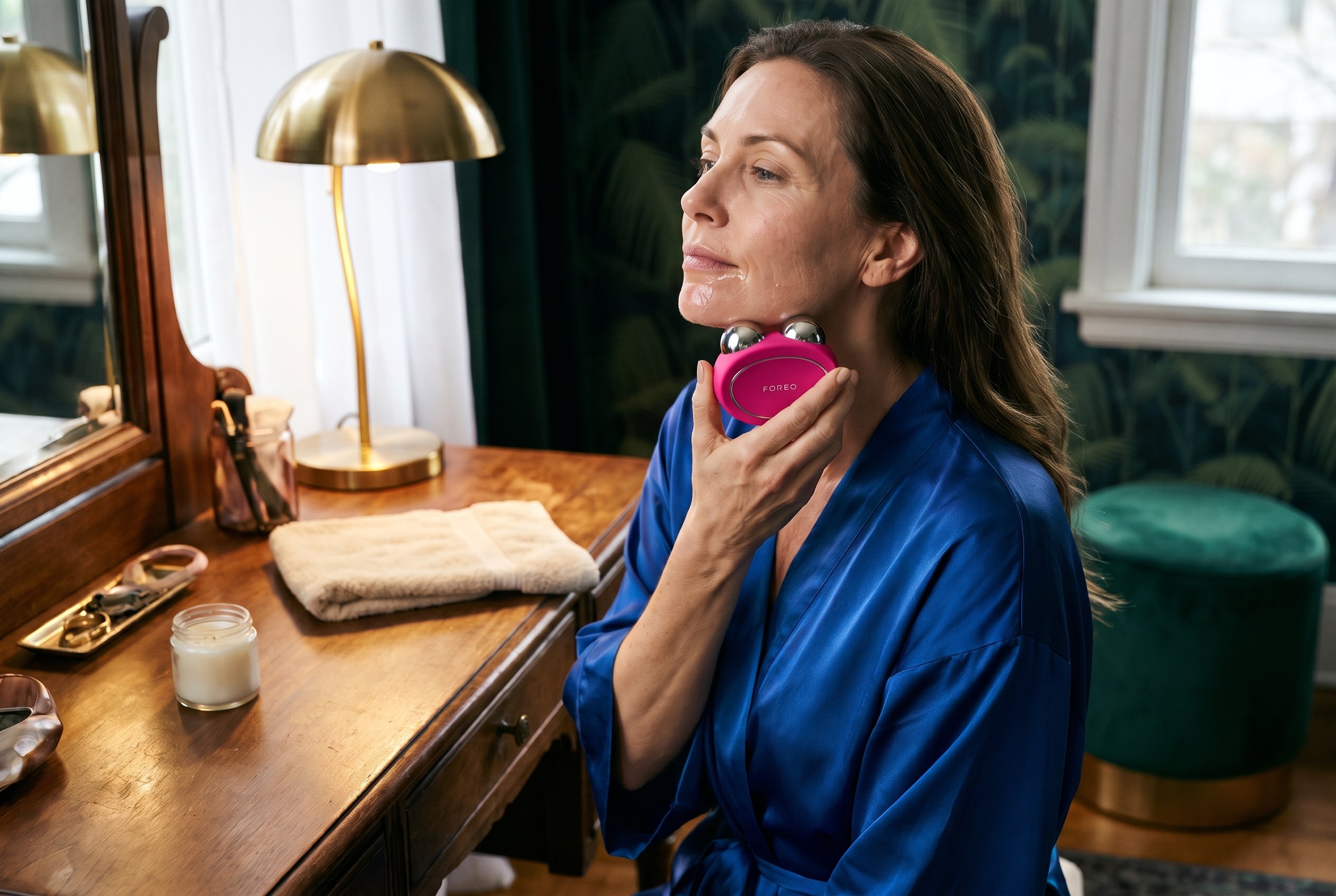
Quick answer: In the FOREO BEAR 2 vs BEAR 2 go decision, the FOREO BEAR 2 is the better buy for most people: it delivers up to 680 microamps of microcurrent, four microcurrent types and ten intensity levels, while the FOREO BEAR 2 go tops out at 550 microamps with two microcurrent types and six levels. The BEAR 2 go makes sense for beginners and travelers who only want a lifting routine. See the FOREO BEAR 2 at Exclusive Beauty Club or see the FOREO BEAR 2 go at Exclusive Beauty Club.
Last updated: November 6, 2026
The FOREO BEAR 2 vs BEAR 2 go choice is not about build quality: both devices come from the same FOREO BEAR 2 family, use the same conductive serum and share the same safety rules. The difference is how much the device can do once the routine becomes a habit. Here’s what the smaller device leaves out, and who should pay for the full version.
Table of Contents
FOREO BEAR 2 vs BEAR 2 go at a glance
Feature
FOREO BEAR 2
FOREO BEAR 2 go
Maximum microcurrent (per FOREO)
Up to 680 uA
Up to 550 uA
Microcurrent types
4: Advanced, Lifting, Tapping, Sculpting
2: Advanced, Lifting
Intensity levels
10 (1 to 5 on the device, 6 to 10 in the app)
6 (1 to 3 on the device, 4 to 6 in the app)
T-Sonic massage patterns
5
5
Anti-Shock System
Yes
Yes
Battery, per FOREO
Up to 300 minutes per charge
Up to 300 minutes on the product page, up to 200 in the manual
Charging
USB, up to 1.5 hours
USB, up to 1.5 hours
Treatment areas
Cheeks, jaw, forehead, neck
Cheeks, jaw, forehead, neck
Eye and lip area
No (FOREO sells BEAR 2 eyes & lips for that)
No
Warranty
2 years
2 years
FOREO BEAR 2 vs BEAR 2 go specs from FOREO’s product pages and online manuals, checked October 29, 2026.
What the BEAR 2 go leaves out
The FOREO BEAR 2 vs BEAR 2 go question comes down to three things the go drops.
Two of the four microcurrent types. FOREO lists Advanced, Lifting, Tapping and Sculpting Microcurrent on the BEAR 2. The BEAR 2 go keeps only Advanced and Lifting, so the tapping and sculpting routines in the FOREO app are not part of it.
Lower top output. FOREO rates the BEAR 2 at up to 680 microamps and the BEAR 2 go at up to 550.
Fewer intensity steps. The BEAR 2 has five levels on the device and five more in the app’s Pro Mode. The BEAR 2 go has three on the device and three more in Pro Mode.
What stays the same matters too. Both use FOREO’s Anti-Shock System 2.0, which FOREO says measures skin moisture and current resistance 200 times per second and adjusts the current. Both have five T-Sonic massage patterns, charge by USB and carry a two-year warranty.
Who should buy the FOREO BEAR 2
The full BEAR 2 is the pick for anyone planning a regular, longer routine. The extra microcurrent types give more variety for the jaw, cheeks and forehead, and the wider range of intensity levels leaves room to move up over time. If the device will live on a vanity and be used most days, the move is to buy the FOREO BEAR 2 once rather than outgrow the go.
The BEAR 2 go suits a first-time microcurrent user who wants a simple lifting routine and a lower entry point, or someone who already owns a full-size device and wants a lighter one for travel. FOREO describes it as compact and lightweight enough to fit easily in luggage. Its device-only range of three levels also keeps a beginner from jumping straight to a high setting.
Whichever side of FOREO BEAR 2 vs BEAR 2 go wins, microcurrent needs a conductive layer between the spheres and the skin. FOREO recommends its SUPERCHARGED Serum 2.0 with both devices, so budget for a refill every so often. FOREO’s manuals also say not to use either device for more than 3 minutes at a time per area.
One detail worth knowing: FOREO’s product pages call both devices “100% waterproof,” but both manuals say the device should be completely dry before the microcurrent function is switched on and not to use it if it has been submerged. Rinse it, dry it, then use it.
Neither device is meant for the eye area. FOREO says the BEAR 2 go spheres are too large for it, and the brand sells a separate BEAR 2 eyes & lips device, rated at up to 270 microamps, for the eye and lip contours.
Safety: check with a doctor first
FOREO’s manuals list the same cautions for both devices, so safety does not change the FOREO BEAR 2 vs BEAR 2 go decision. Check with a doctor before starting a microcurrent device, especially if pregnant or nursing or taking medication. FOREO’s own warnings include:
Do not use with any implanted medical device or other electronic body aid (this includes pacemakers).
Do not use with existing medical conditions such as epilepsy.
FOREO says safety during pregnancy has not been established.
With suspected or diagnosed heart disease, follow the precautions a physician recommends.
Skip it after a recent laser treatment, chemical peel or cosmetic facial surgery.
Microcurrent devices are cosmetic tools. Neither FOREO device treats or diagnoses any condition, and results vary from person to person.
How the BEAR 2 compares with other microcurrent devices
For most buyers, the FOREO BEAR 2 is the one to get: more microcurrent types, a higher top output and ten intensity levels in one device. The FOREO BEAR 2 go is the smart save for a beginner who wants lifting only, or as a travel companion to a full-size device. See the FOREO BEAR 2 or see the FOREO BEAR 2 go at Exclusive Beauty Club.
FOREO BEAR 2 vs BEAR 2 go FAQ
What is the difference between FOREO BEAR 2 and BEAR 2 go?
The FOREO BEAR 2 offers four microcurrent types (Advanced, Lifting, Tapping and Sculpting), up to 680 microamps and ten intensity levels. The BEAR 2 go keeps two types (Advanced and Lifting), tops out at 550 microamps and has six levels. Both share FOREO’s Anti-Shock System 2.0, five T-Sonic massage patterns, USB charging and a two-year warranty.
Is the FOREO BEAR 2 go worth it?
The FOREO BEAR 2 go is worth it for a beginner who wants a simple lifting routine, or for travel alongside a full-size device. Anyone who plans to use microcurrent most days and wants the tapping and sculpting routines will get more from the full FOREO BEAR 2, which has two more microcurrent types and a higher top output.
Do you need gel or serum with the FOREO BEAR 2?
Yes. Microcurrent needs a conductive layer so the current can pass between the spheres and the skin. FOREO recommends its SUPERCHARGED Serum 2.0 with the BEAR 2 and BEAR 2 go. Apply an even layer to the area being treated, and add more if the device stops gliding easily or the current feels uneven.
How long should you use the FOREO BEAR 2?
FOREO’s manuals for both the BEAR 2 and BEAR 2 go say not to use the device for more than 3 minutes at a time on each area. The FOREO app offers video-guided treatments that time each step. Start at a low intensity in Beginner Mode and move up only when the routine feels comfortable.
Can you use the FOREO BEAR 2 around your eyes?
No. FOREO’s manuals say not to use the BEAR 2 or BEAR 2 go on the eye area, and FOREO notes the BEAR 2 go spheres are too large for it. For the eye and lip contours, FOREO sells a separate device, the BEAR 2 eyes & lips, with two small spheres made for those delicate areas.
Who should not use a microcurrent device like the FOREO BEAR 2?
FOREO says not to use its BEAR devices with an implanted medical device such as a pacemaker, or with conditions such as epilepsy, and that safety during pregnancy has not been established. People with heart disease should follow a physician’s precautions. Check with a doctor before starting, especially if pregnant, nursing or taking medication.
Sources
Sources checked on October 29, 2026. Figures from brands are reported as the brand’s own claims.
Quick answer: In the FOREO UFO 3 vs UFO 3 mini decision, the full size FOREO UFO 3 is the better buy for most adult skin, because it is the only one of the two with cooling cryo-therapy, which FOREO ties to puffiness, redness and pores and which some UFO masks need. The FOREO UFO 3 mini makes sense for younger or balanced skin, a first device, or a smaller budget. See the FOREO UFO 3 at Exclusive Beauty Club or see the FOREO UFO 3 mini at Skin Type Solutions.
Last updated: November 6, 2026
FOREO UFO 3 vs UFO 3 mini: the short answer
Best for most
FOREO UFO 3
Only one of the two with cooling cryo-therapy
Runs every UFO activated mask
FOREO aims it at aging skin, puffiness, redness and pores
The FOREO UFO 3 and UFO 3 mini look almost the same: a round silicone device that clips onto a single use mask, warms it, and massages the formula in for about two minutes. The real FOREO UFO 3 vs UFO 3 mini difference sits inside. FOREO’s own comparison page says the UFO 3 mini skips cooling, and that one missing feature decides which masks you can use and which skin goals each device fits. If you are still choosing between LED devices in general, start with the best LED face masks guide.
Key facts at a glance
Cooling
Only on the full size UFO 3
8
Pre-set treatments on both devices
2 min
Per treatment, per FOREO
2 years
US warranty on both
Table of Contents
FOREO UFO 3 vs UFO 3 mini at a glance
Feature
FOREO UFO 3
FOREO UFO 3 mini
Cooling cryo-therapy
Yes
No
Warming thermo-therapy
Yes
Yes
LED light
Full spectrum LED, including red
Full spectrum LED, 8 colors including red
T-Sonic massage
Yes
Yes
Pre-set treatments on the device
8
8
Works with every UFO activated mask
Yes
No, per FOREO
Battery per charge (FOREO UFO 3 guide)
Up to 50 minutes
Up to 40 minutes
FOREO says it is best for
Aging skin, redness, puffiness, enlarged pores
Balancing young skin, first device, on the go
Warranty (US)
2 years
2 years
Specs for this FOREO UFO 3 vs UFO 3 mini table come from the FOREO UFO 3 and UFO 3 mini product pages and FOREO’s UFO 3 collection guide, checked on October 27, 2026.
What the FOREO UFO 3 mini leaves out
In the FOREO UFO 3 vs UFO 3 mini match-up, one feature separates them: cooling. According to FOREO, the UFO 3 uses warming thermo-therapy to soften skin before the mask formula goes in, then cooling cryo-therapy to firm, calm and visibly reduce puffiness and the look of pores. The UFO 3 mini keeps the warming, the LED and the T-Sonic massage, but drops the cooling.
FOREO spells out what that costs you. In its words, the UFO 3 mini cannot be used with all UFO activated mask formulas and is not equipped to tackle redness, enlarged pores and puffiness. FOREO describes the mini as focused on hydrating, relaxing and refining young skin, and points to the UFO 3 as the complete treatment for existing lines and firmness.
The other gap is battery. FOREO’s UFO 3 collection guide lists up to 50 minutes per charge for the UFO 3 and up to 40 minutes for the UFO 3 mini. With two minute treatments, both last a long while between charges.
Battery per charge, per FOREO (minutes)
FOREO UFO 3 LED: up to 60 minutes
FOREO UFO 3: up to 50 minutes
FOREO UFO 3 mini: up to 40 minutes
Source: FOREO UFO 3 collection guide. Each treatment runs about 2 minutes.
What both devices share
Warming thermo-therapy to help the mask formula absorb, per FOREO.
Full spectrum LED light, with red light among the colors.
T-Sonic pulsations that massage the face during the treatment.
8 pre-set treatments you can pick with the button, plus more treatments through the FOREO app.
Waterproof, bacteria-resistant silicone that FOREO says is 35 times more hygienic than nylon.
The same clinical claim on both product pages: FOREO reports a 126% increase in skin moisture after 2 minutes, and says each device is more effective than a sheet mask alone. These are the brand’s own results.
How a UFO session works
1
Clip a UFO activated mask under the ring
2
Press the button to pick one of 8 treatments, or use the app
3
Massage the mask over the face in circles until it stops
4
Pat in any leftover essence
The mask cost to plan for
Neither device works on its own. FOREO says to use the UFO 3 and UFO 3 mini with UFO activated masks or FOREO sheet masks, and that it has not tested either device with other brands’ masks, serums or skincare. FOREO’s masks are single use, and FOREO recommends the UFO 3 twice a day, so the masks are an ongoing cost on top of the device, whichever side of the FOREO UFO 3 vs UFO 3 mini choice you land on.
Here is what to look for: the Make My Day packs on foreo.com come seven masks to a pack, while the Farm to Face activated mask packs come six to a pack, so check the per-mask cost before settling into a routine. If you buy the UFO 3 mini, stick to the masks FOREO pairs with it, since not every UFO mask runs on the mini.
Who should buy the FOREO UFO 3
You want the device FOREO positions for aging skin, with fine lines and firmness on your list.
Morning puffiness, redness or visible pores are on your list, since FOREO links those to the cooling step.
You want access to the whole UFO activated mask range, including the cooling treatments.
You already use sheet masks often and want to make that habit faster.
FOREO sells a third model, the UFO 3 LED. It keeps the heated mask, LED light and T-Sonic massage, adds concentrated near-infrared light, and lists up to 60 minutes per charge. Like the mini, its product page does not list cooling. FOREO’s guide says the UFO 3 is best for aging skin while the UFO 3 LED is best for dull and dehydrated skin. If near-infrared matters more to you than cooling, see the FOREO UFO 3 LED at Exclusive Beauty Club. For a different kind of device altogether, see how microcurrent and LED compare in Medicube Booster Pro vs NuFACE.
The verdict on FOREO UFO 3 vs UFO 3 mini
For most readers weighing FOREO UFO 3 vs UFO 3 mini, the full size FOREO UFO 3 is the one to buy: cooling is the single feature that separates the two, it opens up the whole mask range, and FOREO aims it at the skin concerns most adults are shopping for. The FOREO UFO 3 mini is the smart save for younger skin, a first try, or travel. Giving one as a present? The beauty device gift guide has more ideas.
A note on safety: if you have a skin condition, are pregnant, or take medication that makes skin sensitive to light, check with your doctor or dermatologist before starting any LED or heated facial device.
FAQ
What is the difference between the FOREO UFO 3 and UFO 3 mini?
The FOREO UFO 3 adds cooling cryo-therapy that the UFO 3 mini does not have. Both share warming thermo-therapy, full spectrum LED light, T-Sonic massage and 8 pre-set treatments. Because the UFO 3 mini has no cooling, FOREO says it cannot run every UFO activated mask and is not built for redness, puffiness or enlarged pores. The UFO 3 also lists a longer battery run per charge.
Is the FOREO UFO 3 mini worth it?
The FOREO UFO 3 mini is worth it for someone who wants a quick heated mask routine for balanced or younger skin, wants to try a deep facial hydration device for the first time, or wants something small for a purse. It is not the right pick for puffiness, redness or visible pores, since FOREO says those jobs need the cooling cryo-therapy that only the full size UFO 3 has.
Is the FOREO UFO 3 worth it?
The FOREO UFO 3 is worth it for someone who already masks several times a week and wants the full FOREO treatment: heating, cooling, LED light and massage in one device. FOREO positions it for aging skin and reports a clinical result of a 126% rise in skin moisture after 2 minutes. Keep in mind that it needs single use FOREO masks, so the masks are an ongoing cost.
Which FOREO UFO device is best?
For most adult skin, the FOREO UFO 3 is the most complete UFO device, because it is the one with both heating and cooling plus LED light and massage. The UFO 3 LED suits dull or dehydrated skin and adds near-infrared light but has no cooling. The UFO 3 mini is the smaller, simpler option that FOREO aims at young skin and first-time users.
Can you use the FOREO UFO 3 without a mask?
FOREO does not recommend running the UFO 3 without a mask or outside a pre-set program, because the device is designed to push the formula from a UFO activated mask or FOREO sheet mask into the skin. FOREO also says it has not tested the UFO 3 with other brands’ masks, serums or skincare, so using those is at your own risk. Apply serum before or after.
Can the FOREO UFO 3 mini use all UFO masks?
No. FOREO states that the UFO 3 mini cannot be used with all UFO activated masks, because some mask treatments rely on the cooling cryo-therapy that only the full size UFO 3 has. FOREO bundles the UFO 3 mini with its Make My Day and Call It a Night masks. If you want access to the whole mask range, the UFO 3 is the safer choice.
Sources
Sources checked on October 27, 2026. Figures from brands are reported as the brand’s own claims.
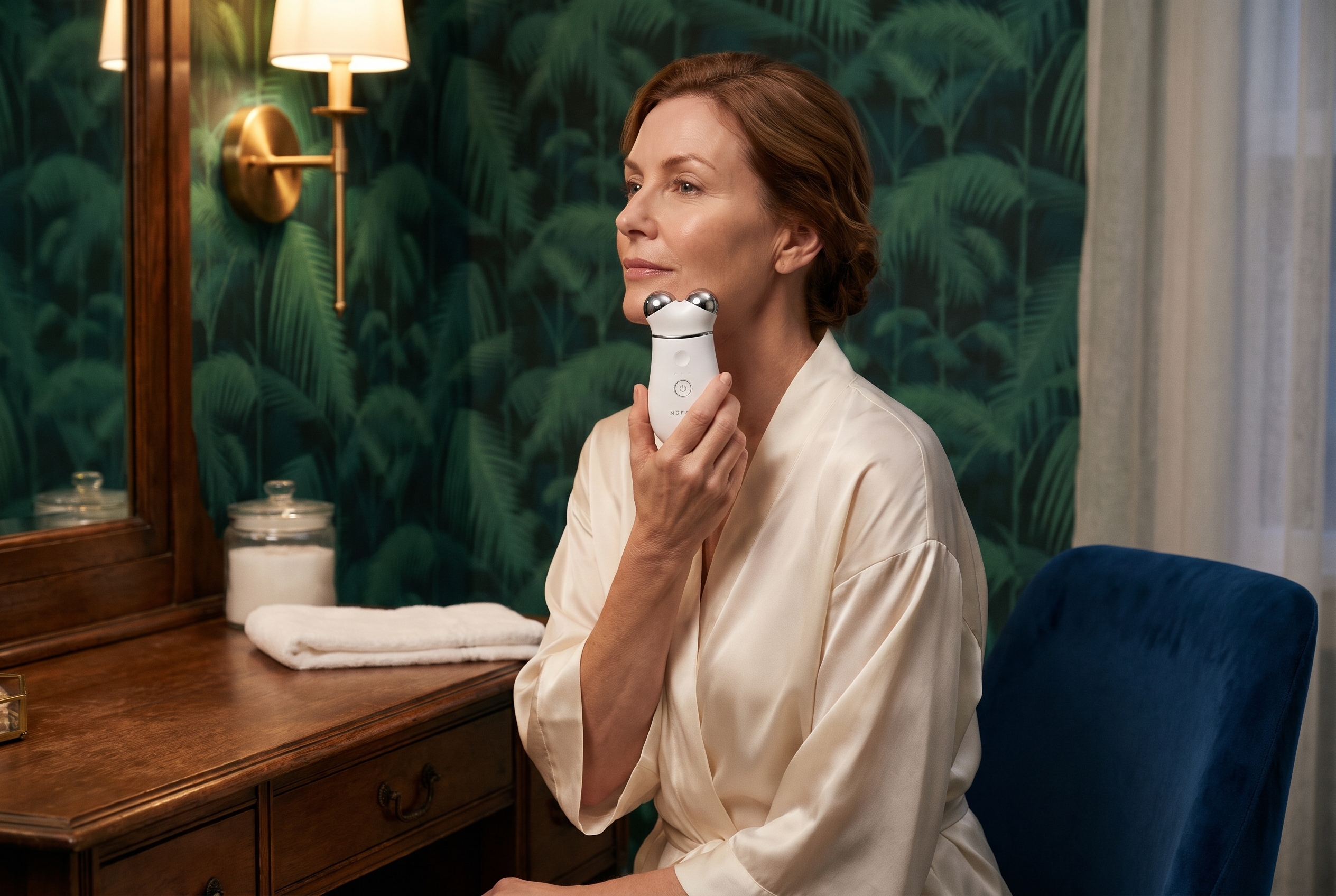
Quick answer: In the NuFACE TRINITY+ vs TRINITY+ PRO decision, the NuFACE TRINITY+ is the better pick for most people starting microcurrent at home, because it is the version NuFACE builds and sells for home use, with three frequencies, three intensities, a Boost Button and NuFACE’s own 60-day return window. The NuFACE TRINITY+ PRO is worth it for experienced microcurrent users and aestheticians who want the higher output of NuFACE’s professional line. See the NuFACE TRINITY+ Starter Kit at NuFACE or see the NuFACE TRINITY+ PRO Starter Kit at Exclusive Beauty Club.
Last updated: October 28, 2026
NuFACE TRINITY+ vs TRINITY+ PRO: the short answer
Best for most homes
NuFACE TRINITY+
NuFACE’s flagship home device. Three frequencies, three intensities, Boost Button, add-on attachments, and a 60-day return window when bought from NuFACE.
The professional-line version with higher microcurrent output, a water-resistant shell and magnetic attachments. Built for aestheticians, also sold as a home kit.
Home use. NuFACE calls it its flagship microcurrent device
Aestheticians and professional partners, also sold as a home kit
Microcurrent output
NuFACE home level
Higher than the home devices, per NuFACE. Listed at up to 500 microamps with Boost by Exclusive Beauty Club
Settings
Three frequencies and three intensities
Targeted device settings, per the retailer listing
Boost Button
Yes, up to 25% more power
Yes, 25% more microcurrent
Attachments
Effective Lip & Eye and LED Wrinkle Reducer, sold separately
Magnetic Effective Lip & Eye and Wrinkle Reducer, sold separately. Older Trinity attachments do not fit
In the starter kit
Device, Aqua Gel Activator 1.69 oz, Silk Crème Activator 0.5 oz, Clean Sweep Applicator Brush, USB-C charging cable
Device, Aqua Gel Activator 1.69 oz, Silk Creme Activator 0.5 oz, Clean Sweep Applicator Brush, power adaptor, user manual and quick start guide
Charging
USB-C charging cable in the kit
Wireless charging, per the retailer listing
Water resistance
Not listed on the starter kit page
Water-resistant shell, per NuFACE
Where it is sold
NuFACE and beauty retailers
NuFACE professional partners and select retailers
Warranty
2 years, per NuFACE
2 years, per NuFACE
Returns from the brand
60 days when bought from NuFACE
Depends on the seller
NuFACE TRINITY+ vs TRINITY+ PRO specs from NuFACE’s product page and blog, and the Exclusive Beauty Club listing for the TRINITY+ PRO Starter Kit, checked October 28, 2026.
The short version of the NuFACE TRINITY+ vs TRINITY+ PRO question: both are the same shape, both use what NuFACE describes as FDA-cleared microcurrent, and both have the Boost Button. The PRO turns the power up and is aimed at treatment rooms. At the retailers checked for this guide, the two starter kits were close in cost, so price should not be what decides it.
What the NuFACE TRINITY+ PRO adds
According to NuFACE’s own explainer on its PRO devices, PRO devices carry the same FDA-cleared technology as the home devices but “a higher microcurrent output for use by professionals.” NuFACE built the TRINITY+ PRO for spas, resorts and aesthetician offices, then offers take-home kits so clients can keep up between appointments.
More output. NuFACE says the PRO line runs at a higher level of microamps. The Exclusive Beauty Club listing puts the TRINITY+ PRO at up to 500 microamps with Boost.
A water-resistant shell. NuFACE added it because treatment rooms are humid and spills happen.
Magnetic attachments. They swap quickly between clients. Older Trinity attachments are not compatible, per the retailer listing.
Wireless charging, per the retailer listing.
What it does not add: a different shape, a different routine, or a different activator. You still glide and hold the two spheres over a layer of gel, the same way you would with the TRINITY+. That is the real story of NuFACE TRINITY+ vs TRINITY+ PRO: the same routine, with more power on the PRO side.
Why the NuFACE TRINITY+ is the better home pick for most people
The TRINITY+ Starter Kit page describes three frequencies and three intensities, plus a Boost Button that NuFACE says adds up to 25% more power on the days you want it. That is a lot of room to start low and build up, which is what a first-time microcurrent user needs.
Bought direct, it comes with NuFACE’s 60-day return window and a 2-year warranty, both listed on the product page.
It is the device NuFACE builds its home guidance around, including the attachments and the routine of five uses a week for eight weeks, then two to three a week.
It is easy to find. NuFACE says PRO devices are sold through its professional partners, so the PRO takes a little more care to buy from an authorized seller.
The same two-sphere Facial Trainer shape for glides and holds across the cheeks, jawline and forehead.
A Boost Button that NuFACE says adds 25% more microcurrent to target areas.
Aqua Gel Activator and Silk Crème Activator in the starter kit, plus the Clean Sweep Applicator Brush.
Compatibility with the newer magnetic Effective Lip & Eye and Wrinkle Reducer attachments. NuFACE says the Wrinkle Reducer uses 34 red, amber and infrared lights.
A 2-year warranty, per NuFACE.
Who should buy the NuFACE TRINITY+
Anyone new to microcurrent who wants room to start gently.
Buyers who want to purchase direct from NuFACE with its return window.
Anyone who plans to add the Effective Lip & Eye or LED Wrinkle Reducer attachment later.
Who should buy the NuFACE TRINITY+ PRO
Experienced microcurrent users who already use a TRINITY+ on its higher settings and want more output.
Clients who get professional NuFACE treatments and want the same PRO device at home between visits, which is how NuFACE frames its take-home kits.
Aestheticians who want one device for clients and for personal use.
NuFACE gives the same basic routine for both sides of the NuFACE TRINITY+ vs TRINITY+ PRO choice, and the steps below follow its product page and device guide.
Start with clean, dry skin. NuFACE suggests an oil-free cleanser, since makeup and oil get in the way of the current.
Apply a mask-like layer of Aqua Gel Activator to the area you are treating. Microcurrent needs a conductive layer to work.
Power on the device and glide and hold the spheres across the cheeks, jawline and forehead.
Use the Boost Button on areas you want to focus on, such as the jawline or neck.
Follow NuFACE’s schedule: five times a week for the first eight weeks, then two to three times a week to maintain.
a cardiac pacemaker or any implanted electronic device
an active seizure disorder or epilepsy
thrombosis or a blood clotting disorder
cancer in the treatment area or active chemotherapy
open wounds, active skin infections or broken skin in the treatment area
NuFACE advises caution and a talk with your healthcare provider if you are pregnant or breastfeeding, or have a history of heart conditions, Bell’s palsy, recent facial surgery or metal implants in the face or head. It also recommends waiting two weeks after Botox or filler before using a device.
These rules apply to both sides of the NuFACE TRINITY+ vs TRINITY+ PRO choice, and the PRO’s higher output is one more reason to ask. Check with your doctor or dermatologist before starting either device if any of this applies to you.
More NuFACE comparisons
If the NuFACE TRINITY+ vs TRINITY+ PRO question has you weighing other brands too, these comparisons cover the closest alternatives.
For a first microcurrent device at home, the NuFACE TRINITY+ vs TRINITY+ PRO answer is the NuFACE TRINITY+. It has the settings range to start gently, the attachments to grow into, and the simplest buying path with NuFACE’s return window. Pick the NuFACE TRINITY+ PRO if you already know you like microcurrent, want the higher output NuFACE reserves for its professional line, and are buying from an authorized seller. Either way, consistency matters more than the model: NuFACE says results build with regular use.
What is the difference between NuFACE TRINITY+ and TRINITY+ PRO?
NuFACE says its PRO devices use the same FDA-cleared microcurrent technology as its home devices, but with a higher microcurrent output built for aestheticians in spas and offices. The TRINITY+ is the version NuFACE sells for home use, with three frequencies and three intensities. Both have a Boost Button for 25% more microcurrent. Exclusive Beauty Club lists the TRINITY+ PRO at up to 500 microamps with Boost.
Can you buy the NuFACE TRINITY+ PRO for home use?
Yes. NuFACE says its PRO devices can be bought for at-home use to maintain results between professional treatments, and it recommends PRO treatments for adults over 18. NuFACE also says PRO devices are sold through its professional partners, such as spas, salons and medical offices. Retailers including Exclusive Beauty Club list the TRINITY+ PRO Starter Kit online, so check the seller is authorized.
Which NuFACE device is the best?
It depends on the goal. NuFACE positions the TRINITY+ as its flagship full-face device, with three frequencies, three intensities and add-on attachments. The MINI+ is its smaller, simpler option with three intensities, and the FIX MicroWand works on eyes, lips and fine lines at the skin’s surface. The TRINITY+ PRO suits experienced users who want professional-line output at home.
What are the downsides of using NuFACE?
The biggest one is time. NuFACE recommends using the TRINITY+ five times a week for the first eight weeks, then two to three times a week, and says results build with consistent use. Every session needs a conductive activator, which is an ongoing purchase. Some people should not use microcurrent at all, including anyone with a pacemaker or another implanted electronic device.
Does NuFACE really work on jowls?
NuFACE says the TRINITY+ is designed to improve the appearance of sagging along the jawline and to tone the muscles of the face and neck. In NuFACE’s own consumer questionnaire, 91% of users said they saw improved cheek contour 15 minutes after a treatment. That is the brand’s own survey, not an independent clinical study, so treat it as a brand claim rather than a promise.
Do old Trinity attachments work with the TRINITY+ PRO?
No. The Exclusive Beauty Club listing for the TRINITY+ PRO Starter Kit states that legacy Trinity attachments are not compatible with the TRINITY+ PRO device. It lists the redesigned magnetic Effective Lip and Eye and Wrinkle Reducer attachments as sold separately. If you own attachments from an older Trinity, plan on buying the newer magnetic versions to use with the PRO.
Sources
Sources checked on October 28, 2026. Figures from brands are reported as the brand’s own claims.
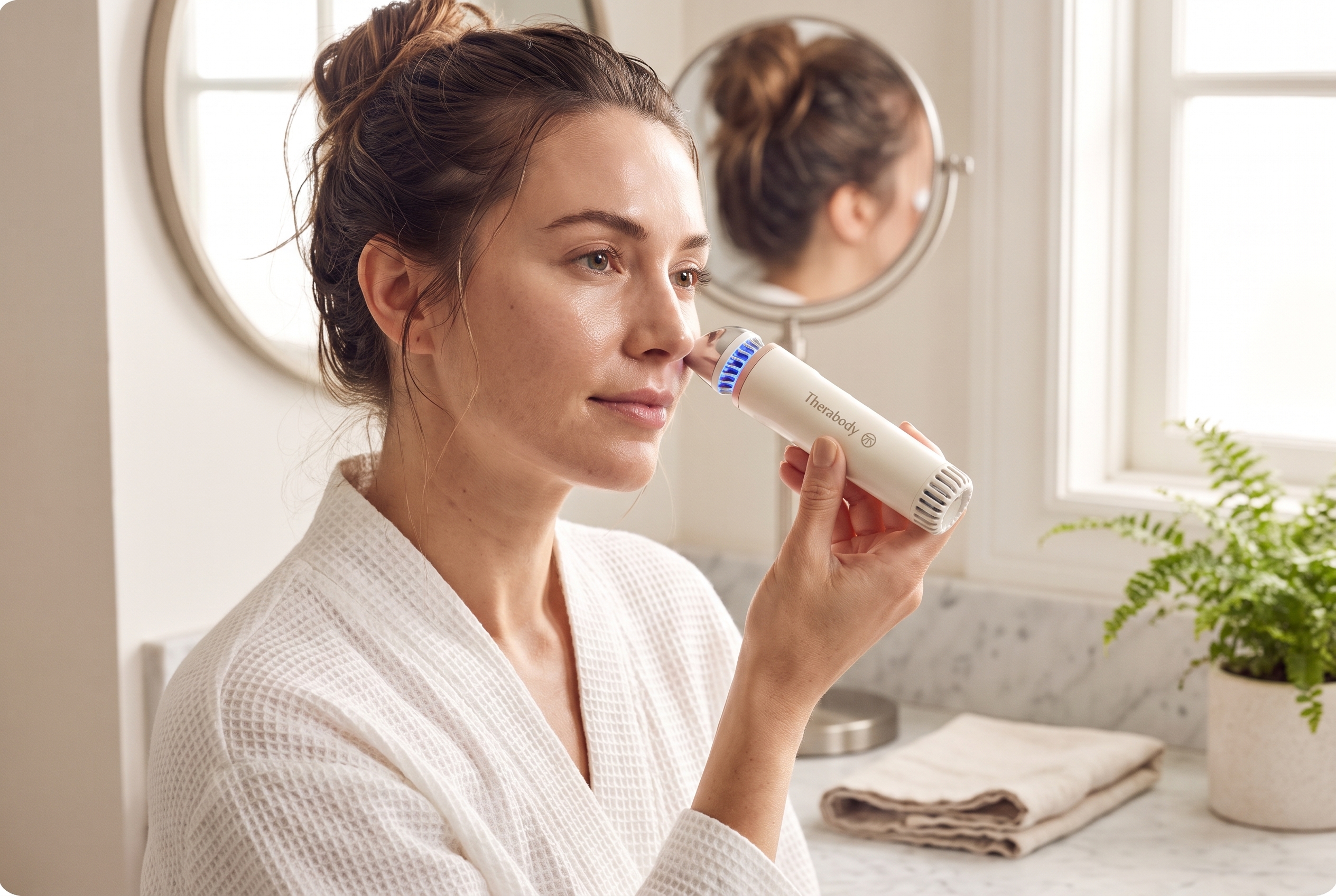
Quick answer: Choose the TheraFace Depuffing Wand if your goal is less under-eye puffiness and a brighter look in the morning: it uses cold and heat on a contoured tip, and fits in a pocket. Choose ThermFace Massage if jaw tension or clenching is the problem: it is a heated percussive massager with four attachments. See the TheraFace Depuffing Wand or see ThermFace Massage.
Last updated: October 27, 2026
TheraFace Depuffing Wand vs ThermFace: the short answer
Therabody now sells two handheld face tools that look like they compete but do not. The TheraFace Depuffing Wand is a skincare tool for puffiness and glow, while ThermFace Massage is a tension tool for the jaw and face. Here is how to tell which one belongs in your routine. If you want Therabody’s LED masks instead, see TheraFace Mask Glo vs TheraFace Mask.
Key facts at a glance
50°F
Coldest Depuffing Wand setting
122°F
Hottest ThermFace heat setting
89%
Felt the eye area more rejuvenated after one wand use, per Therabody
4
ThermFace attachments
TheraFace Depuffing Wand vs ThermFace Massage at a glance
Feature
TheraFace Depuffing Wand
ThermFace Massage
Main job
Under-eye puffiness, elasticity, radiance
Jaw tension, clenching, facial muscle tension
How it works
Cold and heat on a contoured tip, with massage
Heated percussive massage
Cold settings
57°F, 54°F, 50°F
None
Heat settings
95°F, 100°F, 108°F
107.6°F, 114.8°F, 122°F with the heated attachment
Speed
Not applicable
3 speeds: 1,750, 2,100 and 2,400 RPM, 5 mm amplitude
Attachments
Contoured tip, travel cap
Heated Percussive, Dampener, Wedge and Cone
Battery
Up to 38 minutes
Up to 70 minutes
Size
6 x 1.5 in, 3.95 oz
About 7.4 x 2.8 in
Extras
TSA approved, FDA registered, 1-year limited warranty
45-degree ergonomic grip
Specs from the Therabody TheraFace Depuffing Wand and ThermFace Massage product pages, checked October 27, 2026.
How the TheraFace Depuffing Wand works
Therabody describes three treatments in one wand. Cold cools in seconds, with no freezer needed, to help reduce puffiness, revive tired-looking eyes and minimize the look of pores. Heat helps encourage lymphatic drainage and product absorption and brightens dull skin. The contoured tip lets you massage around the eyes and along the face to encourage drainage.
Therabody’s depuffing routine
1
Start on clean, dry skin
2
Glide the wand on a moderate heat setting
3
Switch to the coldest setting and repeat
4
Finish in 8 to 10 minutes total, per Therabody
Temperature range (°F)
Depuffing Wand, coldest: 50°F
Depuffing Wand, warmest: 108°F
ThermFace, warmest: 122°F
Source: Therabody product pages. Only the Depuffing Wand has cold settings.
How ThermFace Massage works
ThermFace Massage combines percussive therapy with heat to increase circulation, reduce discomfort and ease tension, according to Therabody. Its four attachments target different areas of the jaw, face and neck, and a 45-degree grip keeps the device at an angle that is easy to hold against the jaw. Therabody positions it as an at-home way to manage jaw pain, clenching and facial muscle tension.
TheraFace Depuffing Wand or ThermFace: who should buy which
For most readers here, the TheraFace Depuffing Wand is the one to buy: it targets the puffiness and dullness that show up in the mirror every morning, and it is small enough to keep in a travel bag. ThermFace Massage is the right call only if tension, not puffiness, is the issue. More gift ideas are in the beauty device gift guide.
FAQ
Does the TheraFace Depuffing Wand work?
Therabody says the TheraFace Depuffing Wand is clinically proven to reduce under-eye puffiness, improve elasticity and enhance radiance, with visible results after one treatment. In its own study, 89% of participants reported their eye area felt more rejuvenated after one use, following a heat then cold routine of 8 to 10 minutes. These are the brand’s reported results, and individual results vary.
What is the difference between the TheraFace Depuffing Wand and ThermFace Massage?
They solve different problems. The TheraFace Depuffing Wand uses cold and heat on a contoured tip to target under-eye puffiness and glow. ThermFace Massage is a heated percussive massager with four attachments that Therabody designed for jaw tension, clenching and facial muscle tension. Choose the wand for a skincare routine, and ThermFace for tension relief.
How cold does the TheraFace Depuffing Wand get?
Therabody lists three cold settings: 57°F (14°C) as the default, 54°F (12°C) and 50°F (10°C). It also has three heat settings: 95°F (35°C) as the default, 100°F (38°C) and 108°F (42°C). The wand cools in seconds with no freezer needed, and the battery lasts up to 38 minutes per charge, per Therabody.
Is ThermFace Massage good for jaw clenching?
Therabody designed ThermFace Massage for jaw pain, clenching and facial muscle tension, combining percussive massage at up to 2,400 RPM with heat up to 122°F through its heated attachment. Therabody also says it can help reduce how often tension headaches happen. If you have ongoing jaw pain or a TMJ diagnosis, ask your dentist or doctor before adding a massager.
Can you travel with the TheraFace Depuffing Wand?
Yes. Therabody lists the TheraFace Depuffing Wand as TSA approved, and it is small: about 6 by 1.5 inches and 3.95 ounces, with a travel cap and USB-C charging in the box. With up to 38 minutes of battery per charge, it covers several short morning sessions between charges, which makes it an easy carry-on tool.
Which Therabody face tool makes the better gift?
For most skincare lovers, the TheraFace Depuffing Wand is the easier gift: it is small, simple, works in minutes and targets the puffiness almost everyone notices. ThermFace Massage is the better gift for someone who clenches their jaw, grinds, or carries tension in the face and neck, since that is the job Therabody built it for.
Sources
Sources checked on October 27, 2026. Figures from brands are reported as the brand’s own claims.
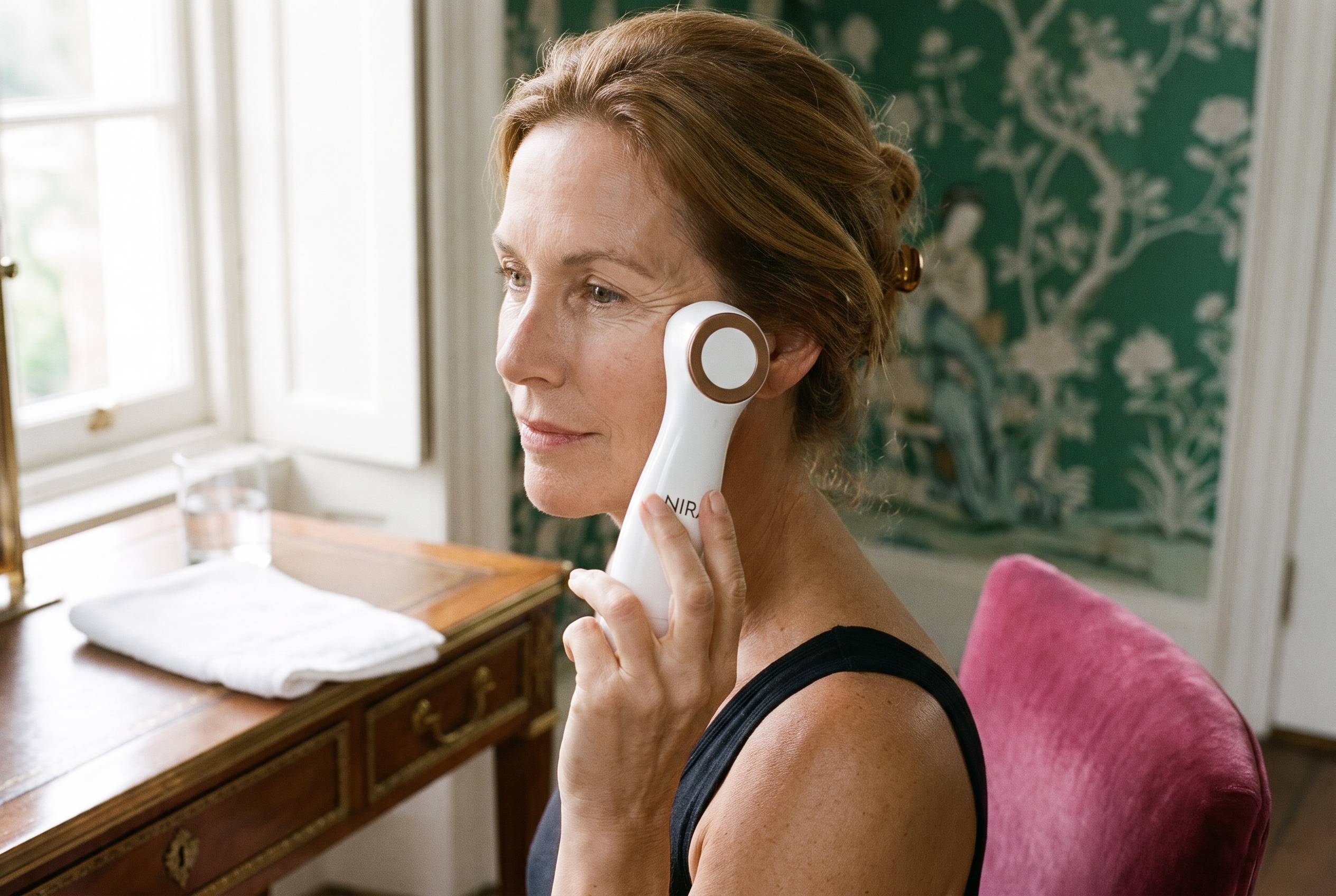
Quick answer: The NIRA laser is worth it for a patient buyer who wants softer-looking lines around the eyes and will treat daily for 60 to 90 days. Pick the NIRA Precision Laser for crow’s feet, under-eyes, hooded lids and lip lines; pick the NIRA Pro 3 Laser to cover the full face, neck, chest and hands with more comfort levels. See the NIRA Precision Laser or see the NIRA Pro 3 Laser.
Last updated: October 27, 2026
Is the NIRA laser worth it? The short answer
Best for eyes and lips
NIRA Precision Laser
Small tip for crow’s feet, under-eyes, hooded lids
NIRA makes at-home lasers that warm the skin at 1450nm, which NIRA describes as the point of peak absorption in the dermis, to support the body’s own collagen. That makes the question of whether the NIRA laser is worth it a question about patience: this is a slow, steady device, not an instant-lift one. If instant lift is the goal, see how microcurrent compares in Medicube Booster Pro vs NuFACE.
Key facts at a glance
1450nm
Laser wavelength on both NIRA models
60 to 90 days
NIRA’s timeline for visible to full results
90 days
Money-back guarantee, per NIRA
2 years
Limited warranty
NIRA Precision vs NIRA Pro 3 at a glance
Feature
NIRA Precision Laser
NIRA Pro 3 Laser
Laser
1450nm non-fractional
1450nm non-fractional
Tip
Small precision tip
Larger treatment tip
Best areas, per NIRA
Eyes, lips, nose area, hooded lids
Face, neck, chest and hands
Settings
5 power settings
9 comfort levels
How it fires
Press the button for each spot
Fires automatically on contact
Extras
Portable design
Silent vibration mode, iOS app skin analysis, 75% more battery than before per NIRA
Routine
Up to twice daily
Up to twice daily, about 2 minutes a day per NIRA
In the box
Laser, USB-C cable, instructions
Laser, USB-C cable, instructions
FDA status
Described by NIRA as FDA-cleared
Described by NIRA as FDA-cleared for wrinkles around the eyes
Guarantee
90-day money-back, 2-year limited warranty
90-day money-back, 2-year limited warranty
Specs from the NIRA Precision Laser and NIRA Pro 3 Laser product pages, checked October 27, 2026.
How the NIRA laser works
According to NIRA, most at-home devices work at the skin’s surface, while its patented non-fractional laser heats the dermis, where wrinkles form, to prompt new collagen. NIRA compares it to exercise for the skin: results build with regular use rather than showing after one session.
How a NIRA session works
1
Remove all makeup; wash and dry skin
2
Hold the tip flat against the skin and fire one spot
3
Move to the next spot; two beeps mark each one
4
Finish with serum and moisturizer; repeat up to twice a day
NIRA results timeline (days)
First visible improvement: within about 60 days, per NIRA
Full results: after about 90 days of regular use, per NIRA
Money-back window: 90 days to return it
Source: NIRA Pro 3 product page FAQ and both product pages. The guarantee window matches the full results timeline, so start right away and track with photos.
Is the NIRA laser worth it for you?
Pick this if
NIRA Precision Laser
✓ Crow’s feet, under-eye lines or hooded lids are your focus
Skip the NIRA if you want a visible change after one session, or if you know a twice-daily routine will not stick. A red light mask is a lower-effort habit for overall tone; the best LED face masks guide covers the top picks, and how often to use red light therapy for wrinkles explains the routine.
The verdict: is the NIRA laser worth it?
For the eye area, yes, if you will commit to the routine: the NIRA Precision Laser is built for exactly the small, hard-to-reach lines that bother most buyers, and the 90-day guarantee covers the full timeline NIRA gives for results. Choose the NIRA Pro 3 Laser only if you want to treat larger areas like the neck, chest and hands.
FAQ
Is the NIRA laser worth it?
The NIRA laser is worth it for someone who will use it daily for at least two to three months and mainly wants softer-looking lines around the eyes. NIRA says to expect visible improvement within 60 days and its best results after 90 days of regular use, and backs every device with a 90-day money-back guarantee. If you want instant lift, a microcurrent device suits that goal better.
Which is better, NuFACE or NIRA?
They do different jobs. NIRA uses a 1450nm non-fractional laser that, per NIRA, gently heats the dermis to support collagen and soften wrinkles over weeks. NuFACE uses microcurrent to tone the look of facial muscles, with lift that NuFACE says shows right after a session. For fine lines around the eyes, NIRA is the closer fit; for contour along the jaw, NuFACE is.
What is the difference between the NIRA Precision and NIRA Pro 3?
The NIRA Precision has a small tip for hard-to-reach areas around the eyes, nose and mouth, including hooded lids, with 5 power settings and a button you press to fire. The NIRA Pro 3 has a larger tip for the face, neck, chest and hands, 9 comfort levels, a silent vibration mode, auto-firing on contact and app-based skin analysis on iOS.
How long does it take to see NIRA results?
NIRA says to expect visible wrinkle improvement within 60 days and what it calls dramatic results after 90 days of regular use, with treatment up to twice a day. That timeline matches how collagen-focused treatments work: slowly. Take a clear photo in the same light before you start and every few weeks, so you can judge the change yourself.
Does the NIRA laser hurt?
NIRA describes its lasers as pain-free with no redness or downtime, and both models let you adjust the setting: 5 power settings on the NIRA Precision and 9 comfort levels on the NIRA Pro 3. The laser gently warms the skin, so starting on a low level and building up is the sensible way to begin, especially around the eyes.
Is the NIRA laser FDA cleared?
NIRA describes both the NIRA Precision and the NIRA Pro 3 as FDA-cleared, and says the Pro 3 is cleared for treating wrinkles around the eyes. FDA clearance relates to the stated use and safety, not a promise of results. NIRA also states its lasers are safe for all skin types and tones. Check with your dermatologist if you have a skin condition.
Sources
Sources checked on October 27, 2026. Figures from brands are reported as the brand’s own claims.
Quick answer: In the ZIIP HALO vs NuFACE TRINITY+ choice, the NuFACE TRINITY+ is the better buy for lifting and contour work along the jaw and cheeks, thanks to three intensity modes, a Boost Button and add-on attachments. The ZIIP HALO is the better buy for someone who wants app-guided treatments for several concerns, with microcurrent and nanocurrent and four gels in the box. See the NuFACE TRINITY+ Starter Kit or see the ZIIP HALO.
Last updated: October 27, 2026
ZIIP HALO vs NuFACE TRINITY+: the short answer
Best for lift and contour
NuFACE TRINITY+
Three modes: Instant Lift, Pro Toning, Skin Tightening
Boost Button adds 25% more power, per NuFACE
Add-on attachments for lips, eyes and LED red light
Both are handheld microcurrent devices you glide over a layer of conductive gel, a few times a week, to tone the look of the face. The ZIIP HALO vs NuFACE decision comes down to control style: NuFACE hands you the dials, while ZIIP hands the routine to its app. Here is how the two compare on what matters before you buy. If you are weighing microcurrent against other device types, the Medicube Booster Pro vs NuFACE comparison covers a multi-mode alternative.
Key facts at a glance
3 modes
NuFACE TRINITY+ frequencies you choose yourself
+25%
NuFACE Boost Button power, per NuFACE
4 gels
Included with the ZIIP HALO
42 days
Length of ZIIP’s SGS skin study
ZIIP HALO vs NuFACE TRINITY+ at a glance
Feature
NuFACE TRINITY+
ZIIP HALO
Current type
Microcurrent
Microcurrent and nanocurrent
How you control it
3 frequencies and intensities on the device, plus Boost Button
Treatments chosen in the ZIIP app; 4 Minute Facial built in
Works without a phone
Yes
Yes, the 4 Minute Facial only
Attachments
Optional Wrinkle Reducer (LED red light) and Effective Lip & Eye
None listed
Gel in the box
Aqua Gel Activator 1.69 oz, Silk Creme Activator 0.5 oz
Firm, Refresh, Glow and Clear gels, 1 oz each
Brand routine
5 min a day, 5x a week for 60 days, then 2 to 3x a week
3 to 5x a week, up to 6 on a short plan
Charging
USB-C
USB-C, up to 4 hours to charge
FDA status
NuFACE describes it as FDA-cleared
Not stated on ZIIP’s product page
Brand study
Consumer questionnaire, 15 minutes and 60 days
SGS instrument study, 31 adults aged 35 to 55, 42 days
Warranty and returns (US)
2-year warranty, 60-day returns
Return policy listed in ZIIP’s product FAQ
Specs from the NuFACE TRINITY+ Starter Kit and ZIIP HALO product pages, checked October 27, 2026.
ZIIP HALO vs NuFACE: how the two actually differ
Control: dials vs app
The first ZIIP HALO vs NuFACE difference is control. NuFACE builds the TRINITY+ around three frequencies you pick on the device: Instant Lift Mode, Pro Toning Mode and Skin Tightening Mode, plus a Boost Button that NuFACE says adds 25% more microcurrent power. You decide where to glide and hold, mainly across the cheeks, jawline and forehead.
ZIIP takes the opposite approach. Its app sends a unique waveform to the HALO for each treatment, with a different program for each visible concern, from firmness to a more even-looking tone. Without the app, the device runs one built-in routine, the 4 Minute Facial, which ZIIP says uses both microcurrent and nanocurrent.
Range: one device vs a system
The TRINITY+ is modular. NuFACE sells a Wrinkle Reducer attachment that uses LED red light and an Effective Lip & Eye attachment for the small areas around the eyes and mouth. NuFACE notes the Boost Button works with the facial trainer and Lip & Eye heads, not with the Wrinkle Reducer. If red light is the bigger draw, the best LED face masks guide compares full-face options.
The ZIIP HALO has no attachments listed. Its range comes from the app treatments and the four gels in the box, each made for a different goal.
What the brands report
On results, the ZIIP HALO vs NuFACE comparison is not apples to apples. ZIIP points to a 2023 SGS study: 31 adults aged 35 to 55 used the HALO for 42 days at 8 minutes a session. ZIIP reports a 28% reduction in the appearance of forehead wrinkles measured with Primos 3D, a 24% increase in the appearance of firmness measured with a Cutometer, and 97% saying they saw immediate visible lifting.
NuFACE reports consumer questionnaire results for the TRINITY+: 91% saw improved cheek contour and 90% a lifted appearance 15 minutes after a treatment, and 93% saw a reduction in deep forehead lines after 60 days. These are each brand’s own claims, measured in different ways, so they are not a head-to-head result.
Brand-recommended starting routine (sessions per week)
NuFACE TRINITY+: 5 sessions a week for the first 60 days, at least 5 minutes each
ZIIP HALO: 3 to 5 sessions a week, up to 6 on a short-term plan
Sources: NuFACE TRINITY+ and ZIIP HALO product page FAQs. NuFACE drops to 2 to 3 sessions a week for maintenance.
How a microcurrent session works
1
Start with clean, dry skin
2
Apply a generous layer of conductive gel to one section
3
Glide the device slowly upward and hold at the end points
4
Repeat section by section, then massage in leftover gel
ZIIP HALO vs NuFACE: who should buy which
Pick this if
NuFACE TRINITY+
✓ Your main goal is the look of lift along the jaw, cheeks and brows
✓ You like choosing the intensity yourself
✓ You may want lip, eye or red light attachments later
✓ You can commit to daily sessions for the first two months
For most readers focused on the jawline and cheeks, the NuFACE TRINITY+ is the one to buy: you control three modes and the Boost Button, and you can add attachments as your routine grows. The ZIIP HALO wins for anyone who would rather follow an app than learn technique, and who wants tone and glow treatments in the same device. Shopping for someone else? The beauty device gift guide has more ideas.
FAQ
Is the ZIIP HALO better than NuFACE?
Neither is better for everyone. The NuFACE TRINITY+ is the stronger pick for lifting and contour work, with three modes, a Boost Button NuFACE says adds 25% more microcurrent power, and add-on attachments. The ZIIP HALO is the easier pick for app-guided treatments, since the app sends a different waveform for each concern and four ZIIP gels come in the box. Choose by goal, not by brand.
Is ZIIP HALO good for jowls?
ZIIP says its HALO improves the look of lifted, firmer skin, and 97% of people in its 42 day study reported an immediate visible lift. For jowls specifically, the NuFACE TRINITY+ is built around glides along the jawline with three intensity modes and a Boost Button, which makes it the more targeted tool. Neither device replaces an in-office procedure, and results are the brands’ own claims.
Which microcurrent device is considered the best?
There is no single best microcurrent device. Among at-home picks, the NuFACE TRINITY+ is the one NuFACE calls its most comprehensive FDA-cleared device, and the ZIIP HALO is the app-led option that pairs microcurrent with nanocurrent. The right one depends on whether you want manual control and attachments (NuFACE) or guided treatments for several skin concerns (ZIIP). Consistency matters more than the brand.
Do you need the app to use the ZIIP HALO?
No. ZIIP says the HALO comes programmed with the 4 Minute Facial, a freeform treatment that uses both microcurrent and nanocurrent, so it works without a phone. Every other treatment and treatment plan runs through the free ZIIP app for iPhone, iPad and Android, and ZIIP recommends the app for the best results because it tailors the waveform to each skin concern.
How often should you use the NuFACE TRINITY+?
NuFACE recommends at least 5 minutes a day, 5 times a week for the first 60 days, then 2 to 3 times a week to maintain results. ZIIP recommends its HALO 3 to 5 times a week, up to 6 times on a short-term plan. Both brands frame microcurrent as a habit, so pick the device whose routine you will actually keep.
What gel do you need for ZIIP HALO and NuFACE TRINITY+?
Both need a conductive gel on clean skin. The ZIIP HALO box includes four 1 oz ZIIP gels: Firm, Refresh, Glow and Clear. The NuFACE TRINITY+ Starter Kit includes a 1.69 oz Aqua Gel Activator, a 0.5 oz Silk Creme Activator and an application brush. Each brand sells refills, so plan for gel as an ongoing cost on top of the device.
Sources
Sources checked on October 27, 2026. Figures from brands are reported as the brand’s own claims.
Kenzzi vs Nood: for most shoppers, the Nood Flasher Pro is the pick. Nood publishes its energy figure, wavelength range, and window size, includes a second lens for skin in the same box, and sells online. The Kenzzi Ice Cooling IPL is the pick if you want to buy from a store, since Kenzzi now sells through retailers like CVS and Walmart and backs the handset with a 3-year replacement warranty. Here’s what to look for before you choose.
Pick the Nood Flasher Pro if you want published specs you can compare, a hair lens and a skin lens in one kit, and online ordering.
Pick the Kenzzi Ice Cooling IPL if you want to buy in a store, you like having a printed flash count, and the 3-year replacement warranty matters to you.
Skip both if your skin is brown to black or your hair is very light blonde, red, or gray. Both brands rule out the deepest skin tones, and IPL needs pigment in the hair to work.
Same on both: five intensity levels, built-in cooling, a glide mode for large areas, and a 90-day money-back offer with conditions worth reading.
Nood vs Kenzzi, side by side
This table compares the Nood Flasher Pro with the Kenzzi Ice Cooling IPL Handset, using what each brand’s own pages say. Prices move with sales, so check today’s price at the retailer.
Nood Flasher Pro
Kenzzi Ice Cooling IPL
Where it sells
Amazon and Nood’s own site
Retail partners. Kenzzi’s page links to CVS
Energy figure on the product page
7 J/cm²
None listed
Wavelength on the product page
510 to 1200 nm for the hair lens
None listed
Treatment window
3 cm²
Described as larger, no size given
Intensity levels
5
5
Cooling
CryoSoothe cooling
Built-in ice cooling plate
Glide mode
Continuous Glide Mode
Auto Glide Mode
Flash count
Lifetime flash guarantee, no count on the page
999,999 flashes
Second lens for skin
Yes, the Ageless lens is included
None listed
Brand schedule
Every 3 days for up to 12 weeks, then monthly
3 to 4 times a week for the first 1 to 4 weeks, then 2 to 3 times a week, then touch-ups every 1 to 2 months
Face
Yes, except the eyebrows and around the eyes
Yes, on a lower setting
Skin tones ruled out
Fitzpatrick V to VI
Skin type V to VI
Money-back window
90 days on direct purchases, minus a restocking fee
90 days in the USA, with usage and photo conditions
Warranty
Nood’s warranty page covers one year and is written for the Flasher 2.0
3-year replacement warranty
FDA wording on the page
No FDA claim on the product page
Says FDA cleared, no clearance number given
Kenzzi also lists a Sapphire Ice Cooling IPL, which its site sends to Walmart. The rest of this post sticks to the Ice Cooling IPL Handset, the model Kenzzi’s site sends to CVS.
The biggest difference: what each brand publishes
At-home IPL handsets look alike on a shelf. The numbers are what let you compare them, and this is where the two brands split.
Nood’s product page lists 7 J/cm² of energy, a 3 cm² treatment window, a 510 to 1200 nm range for the Hairless lens, and a 560 to 1100 nm range for the Ageless lens. Kenzzi’s page for the Ice Cooling IPL lists five intensity levels, a 999,999 flash capacity, and a larger treatment window, with no energy figure, no wavelength, and no window size.
A published number is not proof of results. It does give you something to hold the brand to, and something to line up against other devices. How Nood’s figures compare with the rest of the category is covered in Nood Flasher Pro vs Other IPL Devices, and the Ulike matchup is in Nood Flasher Pro vs Ulike Air 10.
Where Kenzzi wins
You can buy it in person. Kenzzi’s FAQ says its products are sold through retailers and names Walmart and CVS for North America. That means a store return desk if something goes wrong in the first weeks.
The warranty is longer on paper. Kenzzi posts a 3-year replacement warranty for the Ice IPL device in the US. Keep the receipt, since a claim needs proof of purchase and a video of the defect.
The flash count is printed. Kenzzi lists 999,999 flashes. Nood promises a lifetime flash guarantee and gives no count on the product page.
The guarantee covers store purchases. Kenzzi’s 90-day money-back page says it applies to US customers, including in-store purchases.
Where Nood wins
The specs are public. Energy, wavelength, and window size are all on the product page.
Two lenses in one kit. The Flasher Pro ships with the Hairless lens for hair and the Ageless lens for skin. Kenzzi’s pages list no skin lens. The difference between the two is in Nood Hairless vs Ageless Lens, and the skin lens has its own review with a video walkthrough.
A lighter schedule. Nood’s page calls for a session every 3 days. Kenzzi’s page starts at 3 to 4 sessions a week.
Online ordering. The Flasher Pro is on Amazon, sold by Nood Beauty, and on Nood’s own site.
The Flasher Pro handset with both lens cartridges. Kenzzi’s pages list no second lens.
Both brands advertise 90 days. The conditions are different, and where you buy decides whether the offer applies at all.
Nood: the 90-day satisfaction guarantee refunds the purchase minus a restocking fee, and Nood’s page says it only applies to purchases made directly through its own sites. An Amazon order falls under the return policy shown on the Amazon listing instead, so check that window before you buy.
Kenzzi: the 90-day guarantee is for US purchases. To qualify, Kenzzi asks for at least 60 days of use, at least six treatments spaced a week apart, a dated photo before each of those six sessions, and proof of purchase.
The move with either device is to save the receipt, take a dated photo before the first session, and put the last day of the return window on the calendar.
Will either one work on your hair and skin?
IPL works by contrast. Pigment in the hair absorbs the light, so dark hair on lighter skin is the best fit for both devices.
Deeper skin tones: Kenzzi lists skin type V to VI under do not use. Nood says IPL is not safe or suitable for brown or dark brown to black skin.
Light hair: Nood says the Hairless lens may not be suitable for very light blonde, red, or gray hair. More on that in Does Nood Work on Blonde Hair?
Not sure: Kenzzi’s page has a compatibility quiz, and Nood prints a hair and skin chart. Nood also recommends a Skin Safety Test before the first full session.
Health conditions: Kenzzi’s page lists pregnancy, nursing, and a set of medical conditions under do not use. Read that list, and ask a doctor if any of it applies to you.
What the brands claim about results
Nood’s page says 86% saw a significant reduction in hair regrowth and cites up to 95% hair reduction. Kenzzi’s page cites a consumer perception study after 4 weeks of use in which 93% noticed significantly reduced regrowth.
Both sets of numbers come from the brands, and neither page shows a head-to-head trial. Treat them as marketing, expect hair reduction that needs upkeep, and judge by your own dated photos. For how at-home IPL compares with a clinic, see Nood vs Laser Hair Removal.
Kenzzi vs Nood: who should buy which
Nood Flasher Pro: the pick for most people. It suits anyone who wants to see the numbers before buying, anyone who wants the skin lens in the same kit, and anyone who prefers to order online.
Kenzzi Ice Cooling IPL: the pick for anyone who wants to buy from a store shelf, wants a long replacement warranty, and is comfortable with fewer published specs.
Neither: brown to black skin, or very light blonde, red, or gray hair. A clinic consult is the better first step.
For most shoppers the Nood Flasher Pro is the stronger buy. Nood publishes its energy figure, wavelength range, and window size, and it ships with a second lens for skin. Kenzzi’s Ice Cooling IPL makes sense if you want to buy in a store and value its 3-year replacement warranty.
Where can you buy Kenzzi now?
Kenzzi’s FAQ says its products are sold through retailers, and it names Walmart and CVS for North America. The Ice Cooling IPL page on kenzzi.com sends shoppers to CVS, and the Sapphire Ice Cooling IPL page sends them to Walmart.
Is Kenzzi FDA cleared?
Kenzzi’s product page for the Ice Cooling IPL Handset says FDA cleared. The page does not give a clearance number, so ask the retailer or the brand for it if that matters to you.
Can you use Kenzzi or Nood on your face?
Both brands list the face. Kenzzi suggests a lower setting for delicate spots like the face and bikini line. Nood says the Flasher Pro is not suitable for the eyebrows or the area right around the eyes.
Do Kenzzi and Nood work on dark skin?
No. Kenzzi lists skin type V to VI under do not use, and Nood says IPL is not safe or suitable for brown or dark brown to black skin. A clinic consult is the better route for deeper skin tones.
Do Kenzzi and Nood work on blonde or gray hair?
IPL needs pigment in the hair. Nood says its hair lens may not be suitable for very light blonde, red, or gray hair. Kenzzi points shoppers to a compatibility quiz for their hair and skin combination.
Sources: Nood’s Flasher Pro product page and warranty page, the Nood Flasher Pro Amazon listing, Kenzzi’s Ice Cooling IPL Handset and Sapphire Ice Cooling IPL product pages, Kenzzi’s FAQ, 90-day guarantee page, and US warranty page, and the Kenzzi listing at CVS. Details checked October 2026 and can change. This post is general information, not medical advice.
Yes, you can use the Nood Flasher Pro on your face. Nood says it can go anywhere on the face or body except the eyebrows and the skin right around the eyes, so the upper lip, chin, jawline, and neck are all allowed. The catch is fit. It needs dark hair on lighter skin, it will not do anything for peach fuzz, and the face is the area where the cautions matter most. If your facial hair is dark and you are already treating legs or underarms, the Nood Flasher Pro is a reasonable pick. Here’s what to look for before the first flash.
Yes on: upper lip, chin, jawline, and neck. Nood’s page allows the whole face outside the eye area, and its own list names the chin and neck.
No on: eyebrows, the skin around the eyes, tattoos, moles, and dark freckles.
Works on: black, brown, and dark blonde hair. That is Nood’s own chart.
Does not work on: peach fuzz, or light blonde, red, and grey hair. Nood also rules out brown to black skin tones.
Before you start: shave instead of waxing or tweezing, run the skin test, and pause retinol and acids on the area.
Where you can use Nood on your face
Nood’s product page for the Flasher Pro is the source here, with its general FAQ filling in the cautions.
Area
Nood’s guidance
The move
Upper lip
Allowed. The page says anywhere on the face outside the eye area and eyebrows
Shave first and start on the lowest level
Chin and jawline
Allowed. The chin is named in Nood’s own area list
The best facial fit when the hair is dark and coarse
Neck
Allowed. Named in Nood’s area list
Same routine as the chin
Cheeks and sideburns
Covered by the whole-face wording. The manual holds the full area list
Check the manual, and only treat hair you are sure you want gone
Eyebrows
Not suitable
Tweeze or thread, including the space between the brows
Around the eyes
Not suitable
Stay below the cheekbones
Tattoos, moles, dark freckles
Do not flash over them
Work around them. Nood says light freckles are fine
What Nood says vs what the FDA file says
One detail worth knowing. The FDA 510(k) file that the Nood Flasher Pro comparison post traces to this device, K241106, lists small areas such as the underarms and “facial hair below the chin line.” The file names the manufacturer and its model numbers, not the Nood brand. Nood’s own page goes further and allows the whole face outside the eye area.
So use from the chin line down is the part with the clearance wording behind it. The upper lip, cheeks, and sideburns rest on the brand’s instructions. That is not a reason to panic. It is the reason to run the skin test, start low, and stay well clear of the eyes.
Will Nood work on your facial hair?
IPL works by contrast. Pigment in the hair absorbs the flash and turns it into heat, and the heat is what slows regrowth. Nood says its hair removal lens needs high contrast between the hair and the skin. On the face, that sorts people quickly.
Dark, coarse hairs on the upper lip, chin, or jawline: the best fit. There is plenty of pigment for the light to target.
Peach fuzz: not a fit. Fine, pale facial fuzz has too little pigment to target. What works here is dermaplaning. A sonic dermaplaning tool like the Michael Todd Sonicsmooth Pro+ is built for exactly that, and the other options are in the best at-home dermaplaning tools.
Light blonde, red, or grey hair: Nood lists all three as not recommended. Mayo Clinic notes that electrolysis is the better option for naturally blond or white hair. More on that in Does Nood Work on Blonde Hair?
Brown to dark brown or black skin: Nood says IPL is not safe or suitable. A clinic consult is the move, since office lasers cover more skin tones.
Hormonal hair: if coarse chin or neck hair showed up suddenly or keeps getting heavier, the first stop is a doctor. Mayo Clinic notes that blood tests can show whether hormone levels are behind it. A device treats the hair, not the cause.
Run the Skin Safety Test. Nood recommends one before starting treatment. Pick a small patch along the jaw and follow the timing in the manual.
Shave. Do not wax, tweeze, or thread. Nood says to shave the area so the light reaches the follicle, and to stick to shaving between sessions, because pulling the hair out reduces effectiveness. On the face, a facial razor or a dermaplaning tool handles this step.
Go in clean, dry, and bare. Nood says no lotions, creams, or self-tanner on the skin. Take makeup off first.
Pause retinol and acids on the area. Nood’s general FAQ calls for at least 7 days between retinol or acid-based products and a session. It also says to wait about six months after finishing Accutane.
Start low. The Flasher Pro has five intensity levels. Nood’s general guidance is to start at level 3 and adjust by comfort. Facial skin is more reactive than a shin, so the cautious move is level 1 on the face, stepping up only if the skin stays calm.
Press the window flat and stay below the cheekbones. Nood’s general FAQ says the handset has a sensor that will not flash until the whole window is against the skin. Look away from the flash anyway.
Keep the schedule. For the hair lens, Nood’s product page says every three days for up to 12 weeks, then monthly.
Skip tanned or sunburned skin. Nood says to wait at least two weeks after tanning and a month after a sunburn, and to let a spray tan fade first.
One caution from Nood’s own FAQ: the Ageless lens can also reduce hair where it is used over time. Keep either lens away from any hair you want to keep, like the hairline, the edge of the brows, or a beard line.
The face-specific risk to know about
One risk rarely makes a product page: paradoxical hair growth, where hair in or near the treated area comes in thicker instead of thinner.
A 2021 systematic review in the American Journal of Clinical Dermatology (Snast and colleagues) pooled 22 studies of laser and light hair removal covering 9,733 patients. It estimated paradoxical growth in about 3% of them, with a confidence range of 1% to 6%, and tied it mainly to the face and neck. Away from the face and neck it was rare, at 0.08%.
The review covered laser and IPL hair removal and does not report on at-home devices, so the number does not transfer directly. In three of the four studies that tracked it, the extra growth eased with continued treatment. The takeaway: if facial hair looks denser or starts spreading after a run of sessions, see a dermatologist before deciding whether to keep going.
Who should skip Nood for the face
Peach fuzz is the only goal. Dermaplaning is the right tool for that job.
Light blonde, red, or grey facial hair. Electrolysis is the route that does not depend on pigment.
Brown to black skin. Book a clinic consult instead.
The upper lip is the only area on your list. A short course of clinic sessions can be the better buy for one small area. The comparison is in Nood vs Laser Hair Removal.
New or fast-growing coarse hair on the chin or neck. See a doctor first.
Pregnant or breastfeeding. Nood recommends waiting.
On Accutane, or finished it within about six months. Nood says to wait.
The verdict
Nood on the face makes sense when the hair is dark, the skin is on the lighter side of Nood’s chart, and the face is one of several areas you plan to treat. The face is a small add-on to a routine you are already doing, and the same device covers legs, underarms, and bikini line with no refills to buy.
It is the wrong tool for peach fuzz, pale hair, deeper skin tones, and anything near the eyes. For fuzz, look at dermaplaning, and for the method comparison see Dermaplaning vs Waxing.
Yes. Nood says the Nood Flasher Pro can be used anywhere on the face or body except the eyebrows and the area right around the eyes, so the upper lip, chin, jawline and neck are all allowed. It works on dark hair on lighter skin, not on peach fuzz. Shave first, start on the lowest level, and treat only hair you are sure you want gone.
How do you use the Nood Flasher Pro on your face?
Run Nood’s Skin Safety Test on a small patch along the jaw first. Then shave the area, since waxing or tweezing removes the hair the light needs, and go in clean and dry with no makeup, lotion or self-tanner. Pause retinol and acids for at least 7 days. Start on level 1, keep the window flat on the skin, and stay away from the eyebrows and eyes.
Can you use Nood on your upper lip?
Yes, by Nood’s instructions. The upper lip falls under the whole-face wording on the Nood Flasher Pro product page. Shave first rather than waxing or threading, take off makeup and skip lotion, start on the lowest level, and keep the window flat on the skin. Facial skin is more reactive than a shin, so step up a level only if the skin stays calm.
Can you use Nood on chin hair?
Yes. Nood names the chin and neck in its own treatment area list, and dark, coarse chin hair is the best facial fit for IPL because the light needs pigment in the hair to work. If chin hair appeared suddenly or keeps getting heavier, see a doctor before treating it, since that pattern can have a medical cause worth checking first.
Does Nood work on peach fuzz?
No. Peach fuzz is fine and pale, and IPL needs dark pigment in the hair to absorb the light, so the Nood Flasher Pro has nothing to target there. Dermaplaning is the better tool for facial fuzz, and a dermaplaning tool also handles the shave step before an IPL session on darker hair like the upper lip or chin.
Can you use Nood on your eyebrows?
No. Nood says the Nood Flasher Pro is not suitable for the eyebrows or the areas right around the eyes. Keep both lenses away from the brow line, the hairline and any beard edge you want to keep, because IPL reduces hair wherever the light lands, and Nood’s own FAQ notes the Ageless lens can reduce hair over time too.
Can men use Nood on their face?
Nood says the Nood Flasher Pro works for men and women and lists the chin and neck as treatment areas. Expect hair reduction rather than a permanent clean line, and only treat hair you are sure you want gone, such as the neck below a beard. Keep the light off the beard edge itself unless you want that line to change for good.
How often should you use Nood on your face?
Nood’s product page sets the Hairless lens schedule at every three days for up to 12 weeks, then monthly for maintenance. On the face, keep the same rhythm, shave before each session, and skip a session if the skin is still red or irritated from the last one. Keep retinol and acids off the area for at least 7 days before each session.
Sources
Sources checked on November 6, 2026. Figures from brands are reported as the brand’s own claims.